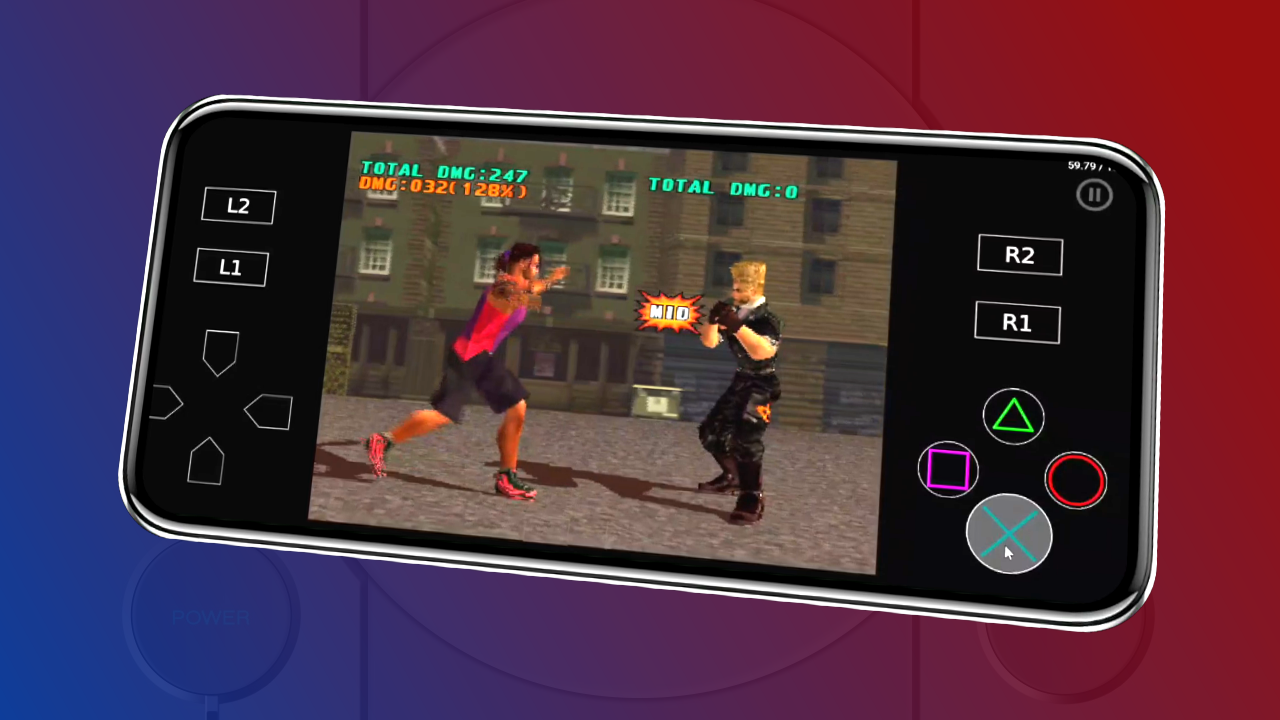
Welcome to Chapter 1 of the Complete Guide to the New Version of DuckStation for Android, here at Allves Games! In this article, we will show you how to download and install the latest DuckStation update on your device. Discover how to get the updated DuckStation on your Android and enjoy an enhanced gaming experience on your smartphone or tablet.
Check your device's architecture
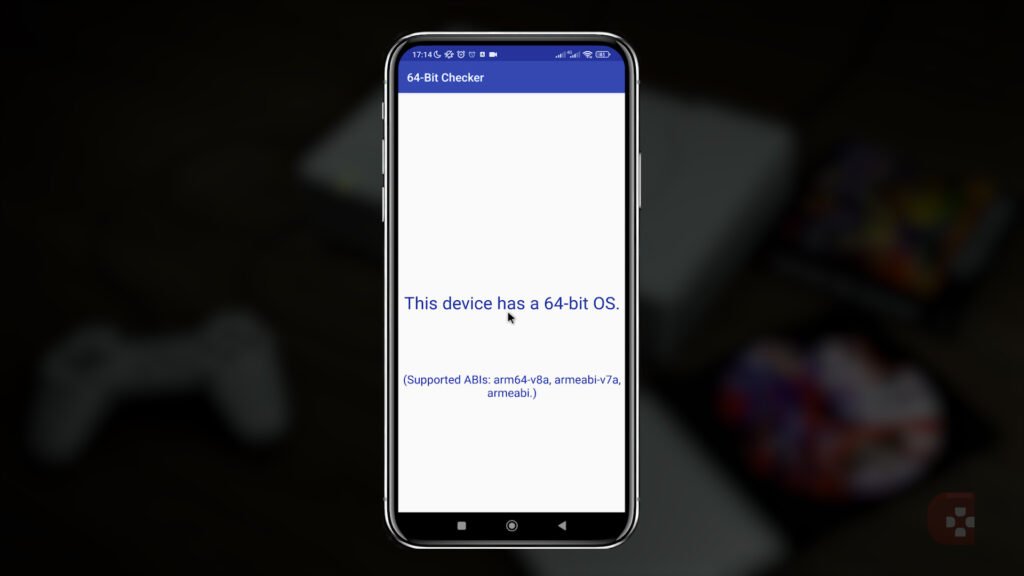
Before you begin, it is important to check your Android's architecture to ensure optimized performance. We recommend using 64-bit systems for a better experience with the updated DuckStation. Therefore, in addition to that, go to the
Play Store and search for the "64 bit checker" app or any other tool that can assist with this verification.

How to download and install the updated DuckStation
Now, let's show you how to download and install the updated DuckStation on your Android device. Follow these simple steps:
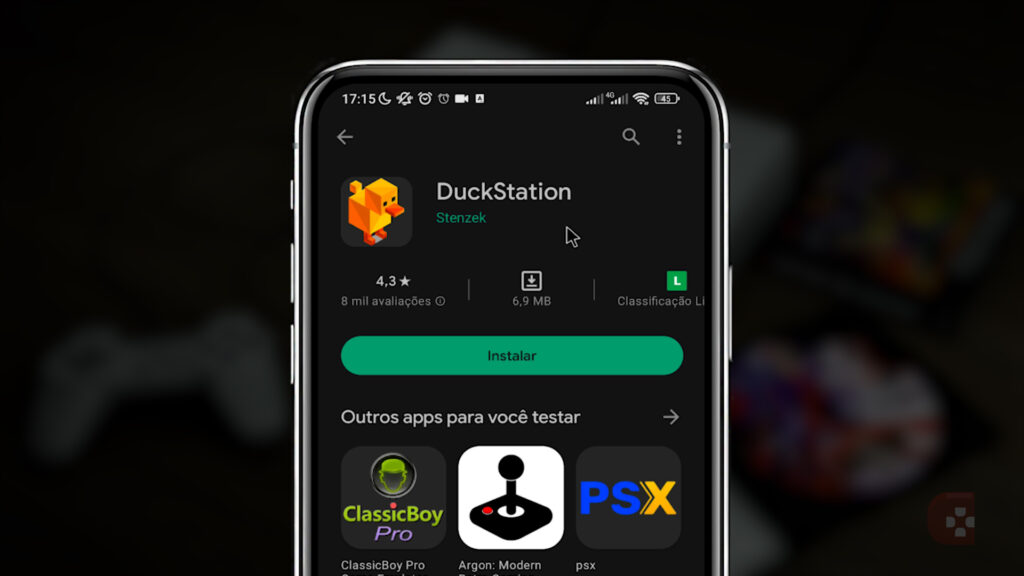
- Access Play Store and search for "DuckStation".
- Find the official application and install it on your Android device.
Initial settings for the updated DuckStation
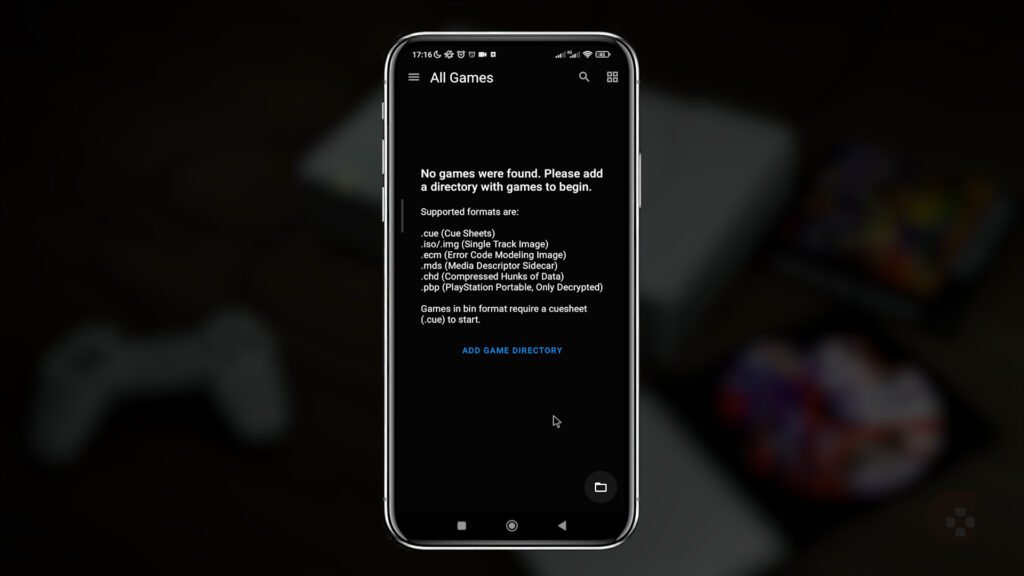
After installing the updated DuckStation, it is important to perform some configurations to get the best possible gaming experience. Follow these initial steps:
- When opening the application, click on "NEXT" on the home screen.
- In "THEME" choose "DARK" to use DuckStation in dark mode (optional)
- Select the language "PORTUGUESE" to make the settings easier to understand.
- For now, there is no need to make any further changes to the options presented. However, we will cover additional settings in the next chapters.
- Click on "NEXT" on the next screens and "FINISH" on the final screen.
Advanced features and compatibility with DuckStation
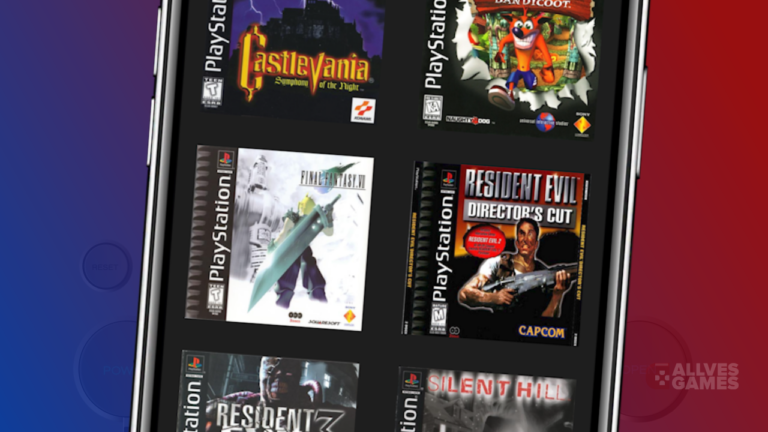
The updated DuckStation offers advanced features, such as controller support, custom configuration options, and graphical improvements. Additionally, it is compatible with a wide variety of classic PlayStation titles, allowing you to relive your gaming memories on your Android device.
Next chapters
Don't miss the next chapters of this
Complete Guide to the New Version of DuckStation, where we will cover advanced settings and tips to make the most of the emulator. To receive updates and have easy access to this guide, subscribe to the channel
Allves Games and don't forget to leave your like.
https://www.youtube.com/watch?v=ueEUKRpluXM
Enjoy DuckStation on your Android device
We hope this tutorial has helped you download, install, and configure the new version of DuckStation on your Android device. Now, you are ready to enjoy a nostalgic gaming experience with classic PlayStation titles. So, make the most of this opportunity to relive incredible moments.

Bom dia qual é a senha pra despaquitar o arquivo.
Pingback: Por quê o DuckStation Android Não Têm Tradução em Português?