The Dolphin Vulkan Linux became the priority over OpenGL in the emulator's automatic selection. The change entered the main codebase on October 7, 2026, following the integration of pull request #14835. On Android, however, Dolphin continues to favor OpenGL due to compatibility issues.
Therefore, the alteration affects the initial choice of graphic renderer on Linux computers, not the list of supported games. It also does not represent, by itself, a confirmed FPS boost for all users.
Dolphin Vulkan Linux: what changed in the emulator?
Before the change, OpenGL appeared before Vulkan in the order of available graphic backends. Now, the new order gives preference to Vulkan on Linux systems that support it. Thus, users with automatic configuration may notice the switch without needing to select the backend manually.
The code was integrated into Dolphin's official repository on October 7. However, this does not mean that a numbered stable version was released on the exact same day. The behavior will reach builds that include this commit.
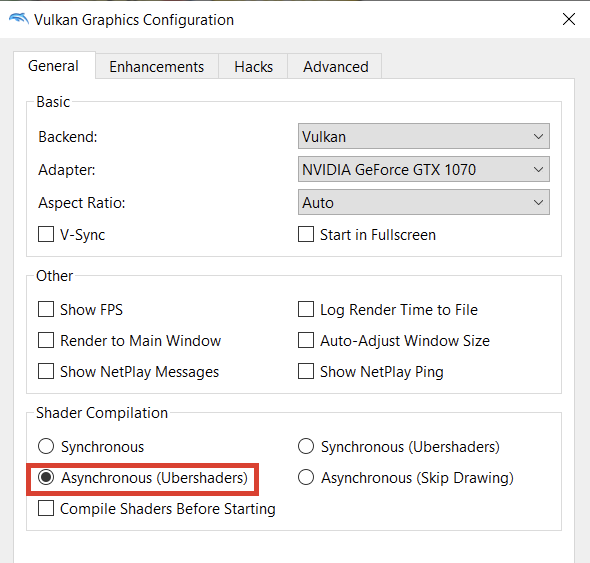
Example of an older Dolphin Vulkan configuration interface; not a screenshot of the October 2026 change. Source: Arqade / Stack Exchange.
In addition, the user can still choose another backend in the graphics settings. Therefore, anyone who experiences incompatibility or worse performance with Vulkan can manually test OpenGL, depending on the support of their own GPU and installed drivers.
Why does Android continue using OpenGL?
The team left Android out of the priority change. In the code, developers explain that OpenGL still offers support for more graphics features on certain Android devices. Thus, it remains the preferred option on that system.
The discussion history also mentions issues with Vulkan devices and cases of graphics context loss. Therefore, changing the priority globally could create regressions on mobile devices, even if Vulkan works well on other models.
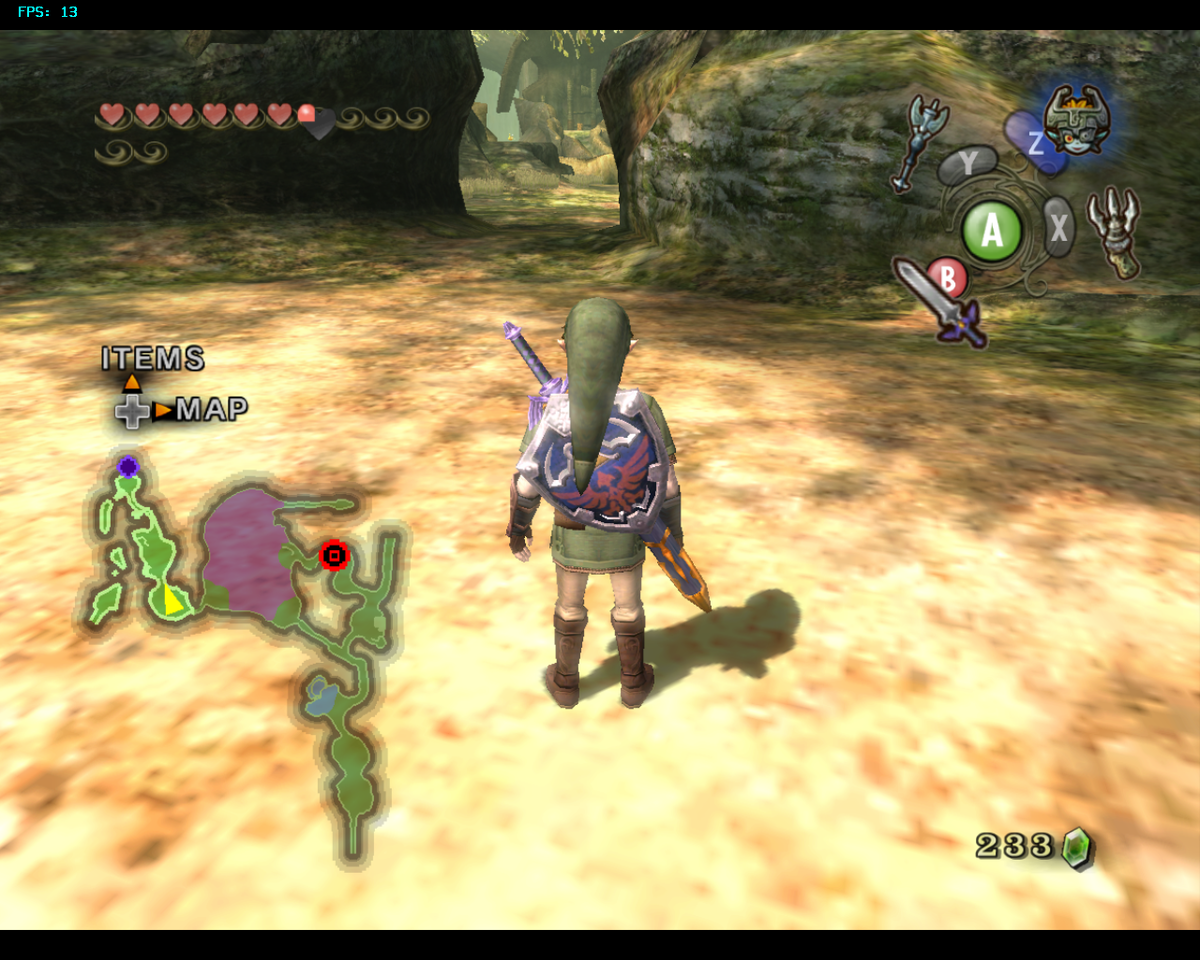
Historical capture of Twilight Princess in Dolphin, used as an example of the GameCube catalog. It does not demonstrate performance differences between Vulkan and OpenGL. Source: Dolphin Emulator Wiki.
On Windows, the automatic preference for Direct3D 11 remains. On macOS, the Metal backend continues as the first choice. Thus, the new behavior is not a universal recommendation of Vulkan for all systems.
What changes for those playing on Linux?
In practice, the new feature seeks to provide a standard more suited to the current state of drivers and graphical support on the Linux desktop. However, actual performance depends on the game, the graphics card, the driver, and options such as shader compilation.
In particular, the commit does not provide a test table demonstrating universal speed gains. Therefore, it is most correct to treat the change as a technical preference shift, not as an update that automatically accelerates all Wii and GameCube games.
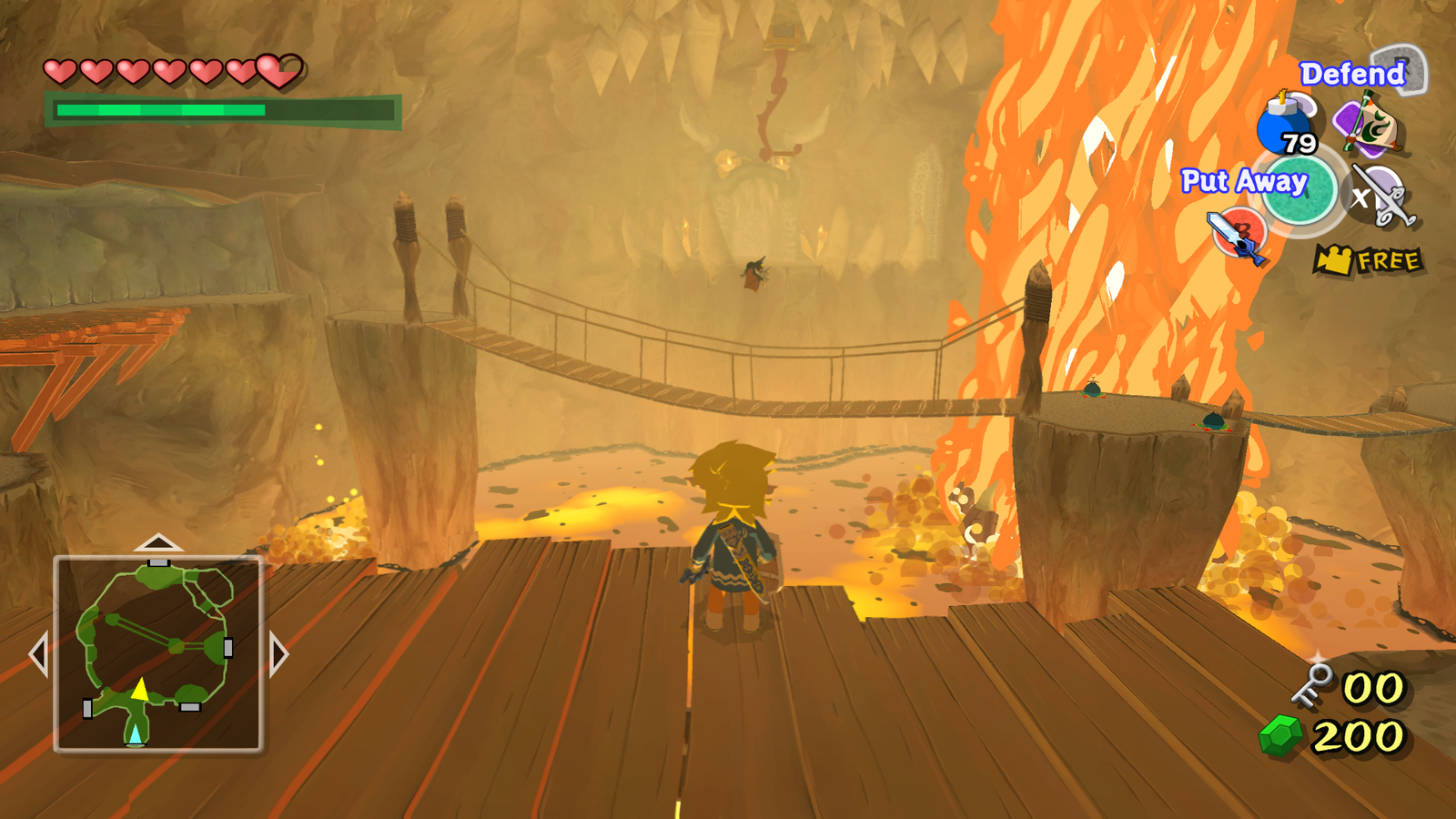
Illustrative gameplay of The Wind Waker in Dolphin, with a community visual pack. This is not a benchmark capture of the new Linux backend. Source: Dolphin forum / community.
Those who use Dolphin on other devices should also distinguish the main project from separate ports and forks. For example, the iCube for iPhone and iPad follows a different implementation and does not automatically receive the same changes as the desktop Dolphin.
Dolphin Vulkan Linux: how to check the configuration
First, update the emulator to a build that includes the October 7th change. Then, open the graphics options and check the selected backend. If Vulkan presents issues on your hardware, test OpenGL and compare stability and image in the same game.
Finally, only use your own legally obtained game files. Dolphin does not distribute commercial GameCube or Wii copies. Additionally, consult the official performance guidelines to evaluate the available options.
Sources: Dolphin — PR #14835; commit from October 7th; official guide.