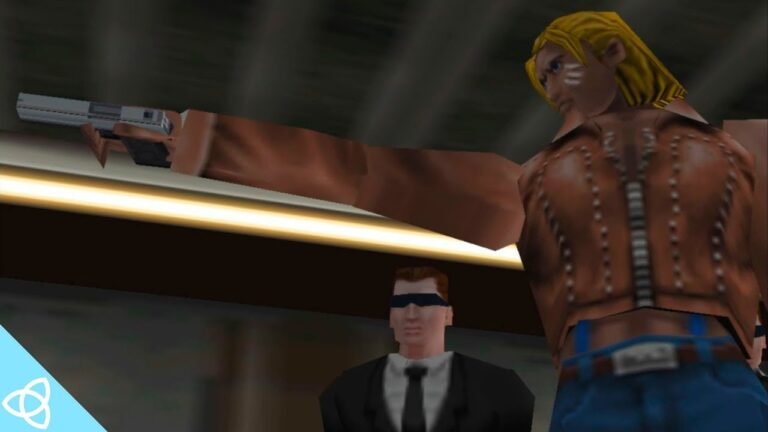
Conker Reloaded reached version 1.3.0 on October 7, 2026, with new accessibility options, a revised free camera, and specific widescreen fixes. In addition, the project is independent of Conker Recompiled, which is already accompanied by Allves Games, and offers its own builds for Windows and Linux.
Therefore, the proposal is to keep Conker's Bad Fur Day playable as a native application, but with two very different profiles: Classic, close to the original Nintendo 64 experience, and Modern, with widescreen, smooth framerate, free camera, sharper graphics, and quality of life features.
Conker Reloaded 1.3.0 improves the free camera
The free camera now respects walls, poles, and the ground. Thus, when there is no space behind Conker, it moves closer to the character and gradually moves away again when the path becomes clear.
Furthermore, the system prevents clipping through the floor when the player tilts the camera downwards. Likewise, the behavior continues to respect areas where the game itself forces a fixed camera.
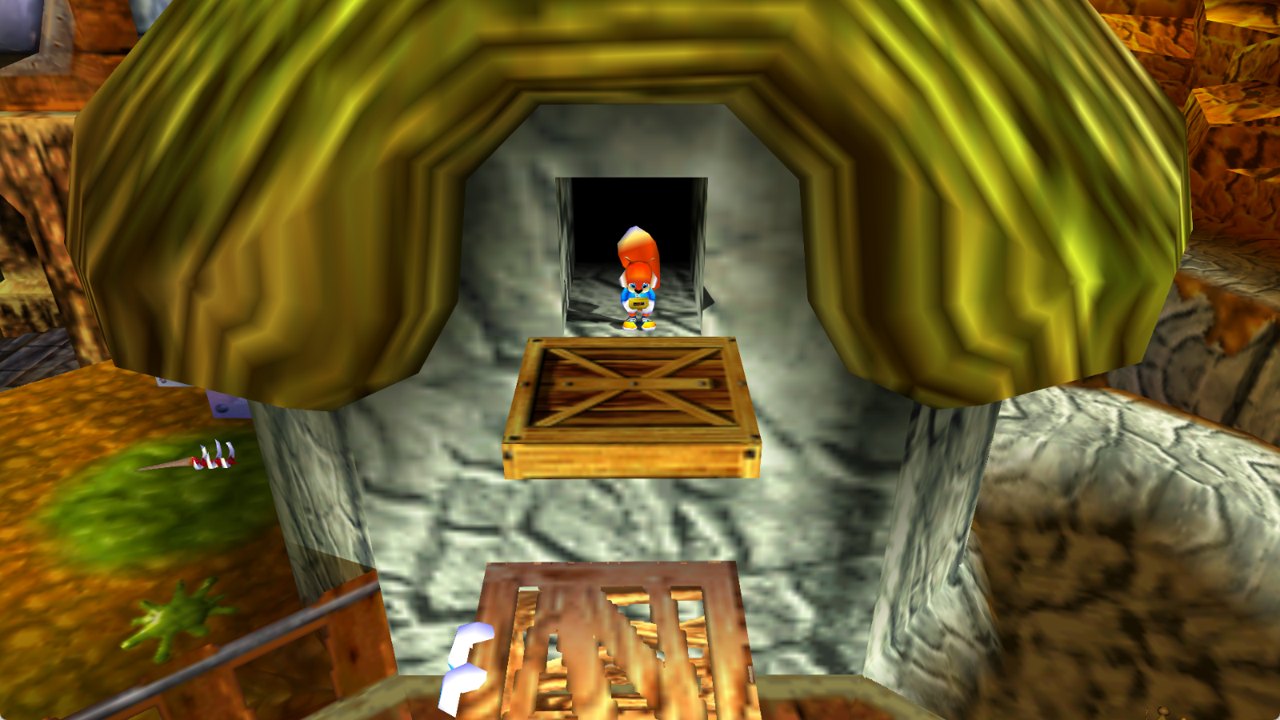
Conker Reloaded running in widescreen on PC. Source: DahSidiAbdallah/ConkerBFDReloaded.
New accessibility tab adds walking and ledge grab
Additionally, version 1.3.0 adds a Walk Button for those who prefer to walk instead of run, as well as Ledge Grab to automatically grab the edge when falling from a high point. Furthermore, there is an option to invert swimming direction.
Likewise, other accessibility features already present include single-press to look or crouch, turning off motion blur, keeping health and money on screen, extending tail spin duration, and pausing the game when switching windows.
In addition, the update fixes speech bubbles in widescreen and maintains previous work on lighting, reflections, widescreen pausing, aiming for throws, and separate audio adjustments for music, effects, and speech.
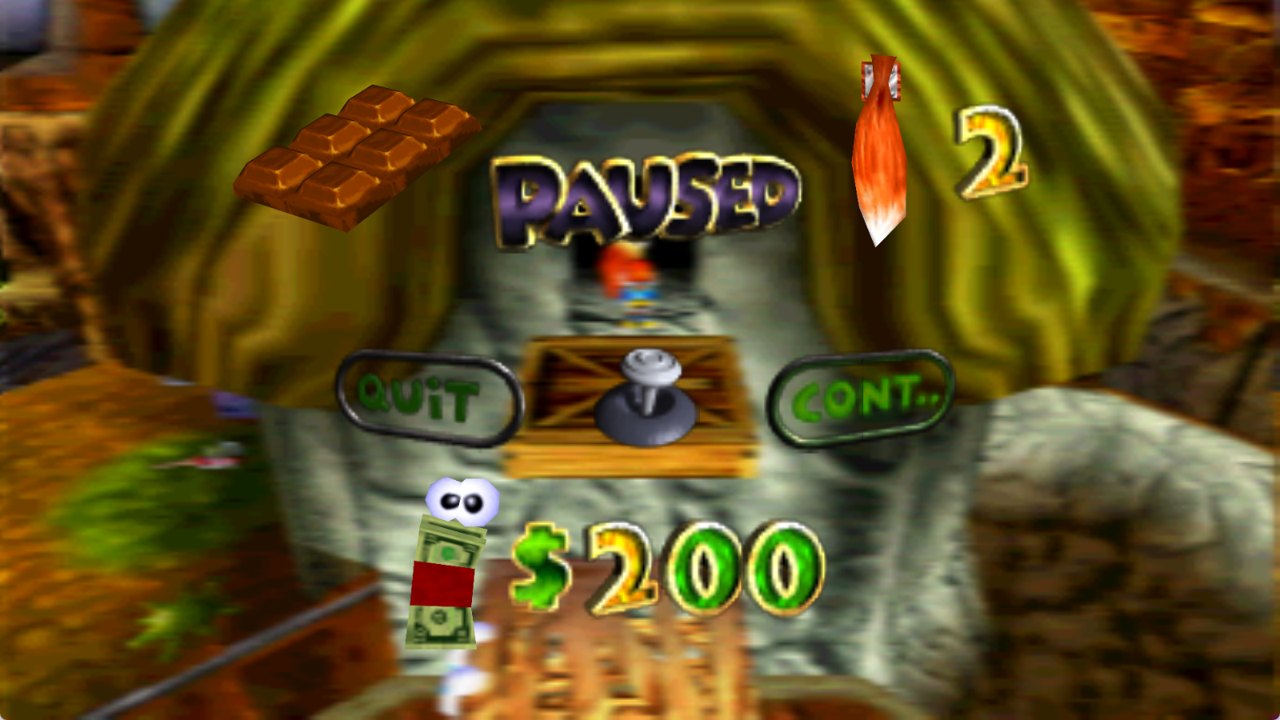
The pause screen and other interface elements have been adapted for widescreen. Source: DahSidiAbdallah/ConkerBFDReloaded.
How to download and install Conker Reloaded 1.3.0
However, the public packages do not include the game. Therefore, you need your own North American ROM of Conker's Bad Fur Day, obtained legally.
- First, download the package corresponding to your system.
DOWNLOAD CONKER RELOADED PORT WINDOWS UPDATED
DOWNLOAD CONKER RELOADED PORT LINUX UPDATED
- Next, extract the file into a common folder.
- Then, on Windows, open ConkerBFDReloaded.exe. On Linux, execute ConkerBFDReloaded from the extracted folder.
- On the first run, then, select your own USA ROM of Conker's Bad Fur Day.
- Finally, open the tab Conker and choose Classic, Modern or Custom.
On the other hand, the Classic mode maintains 4:3, 30 FPS and the original camera. Modern, meanwhile, enables widescreen, smooth framerate, free camera, aiming, autosave, sharper 2D graphics, Skip Intro and other improvements.
Conker Reloaded is different from the other Conker port
Despite the similar name, this project is not the same Conker Recompiled as published on Allves Games. Reloaded uses its own base, Classic/Modern presets, an optional HD icon pack and its own changelog.
Furthermore, there is support for N64Recomp mods and RT64 packs, as well as modified ROMs that only alter game data, such as uncensored versions.
Linux is still less tested on real hardware than Windows. Therefore, the developer is asking for feedback on audio, controls, and rendering on this platform.
Version 1.3.0 focuses on comfort without abandoning the classic mode
The update maintains the project's core idea: allowing a modern experience without forcing those who prefer the original presentation to use these changes.
With the Classic profile, the player can keep the camera, framerate, and framing close to the Nintendo 64. In Modern, the new accessibility options and the free camera gain more importance.
Sources: ConkerBFDReloaded on GitHub; release 1.3.0; developer announcement on Reddit embedded below.