Play Bakugan on PC gained a new community alternative with the Bakugan DOTC Recompiled project. The work adapts Bakugan: Defenders of the Core from Xbox 360 through static recompilation. In addition, the EasyBuild script facilitates the local generation of executables on Windows.
However, the repository does not offer a ready-to-install game. It provides code and tools that work with the files from the user's own copy.
Bakugan on PC is still in preview
Furthermore, the project identifies itself as 0.1.0-preview. According to the README, the game starts up and plays sound effects, voices, and music. However, the author does not guarantee a complete campaign nor all hardware combinations.
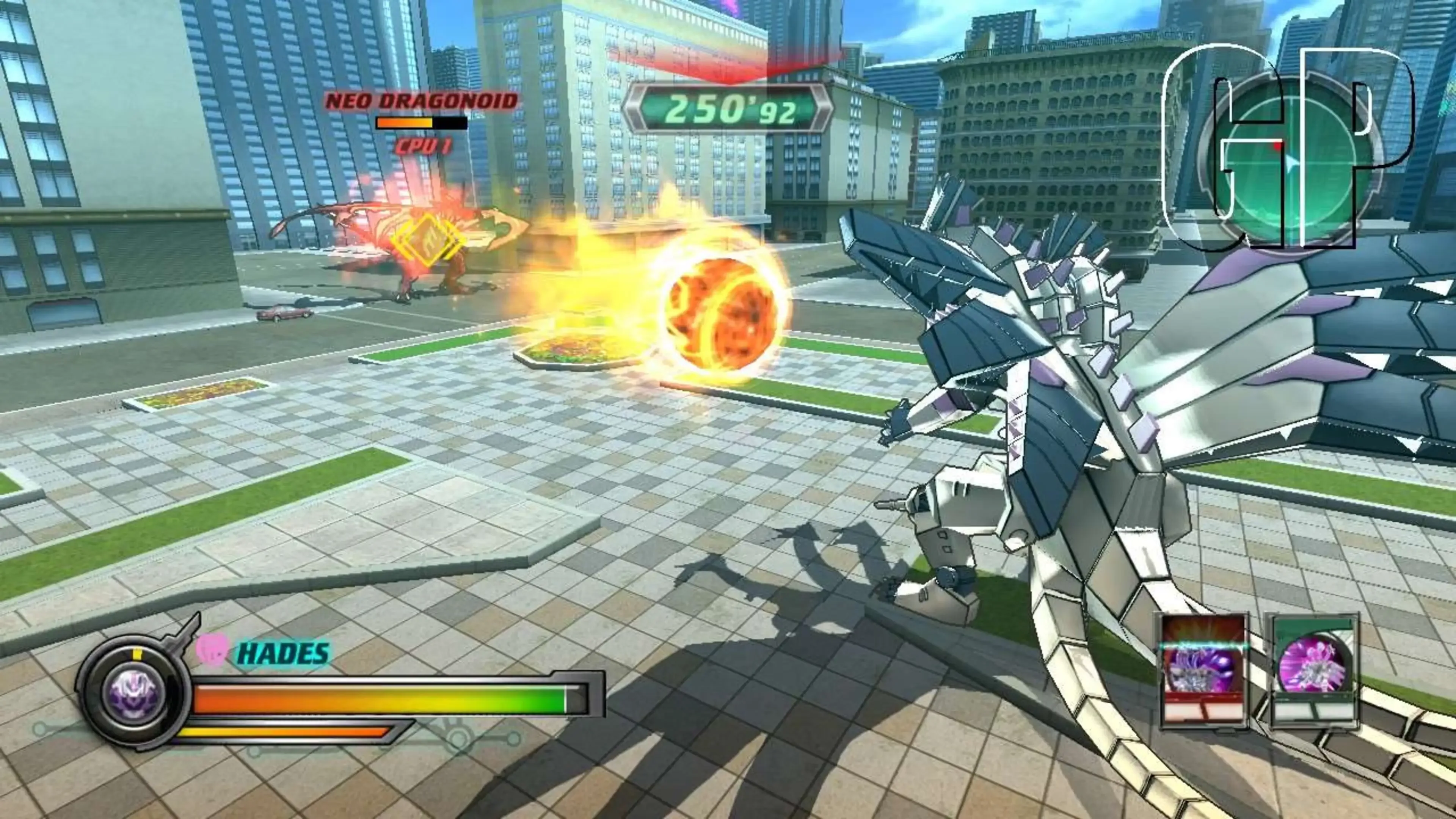
Gameplay from the original edition, for visual reference only. Source: IGDB. Does not represent testing of the recompilation.
Furthermore, the current documentation includes an experimental path for Linux AMD64. On this system, the author verified the title screen, audio, and controller response on one machine. Gameplay and saves still need testing.
What EasyBuild does
Next, on Windows, the script asks for the game folder and checks the files. Then, it finds the Visual Studio tools, downloads the ReXGlue 0.10.0 SDK, and checks its identification.
Next, the process generates the code and compiles the project. The result includes bakugandotc.exe and BakuganLauncher.exe. Therefore, these executables are generated on the user's computer and do not come pre-built in the repository.

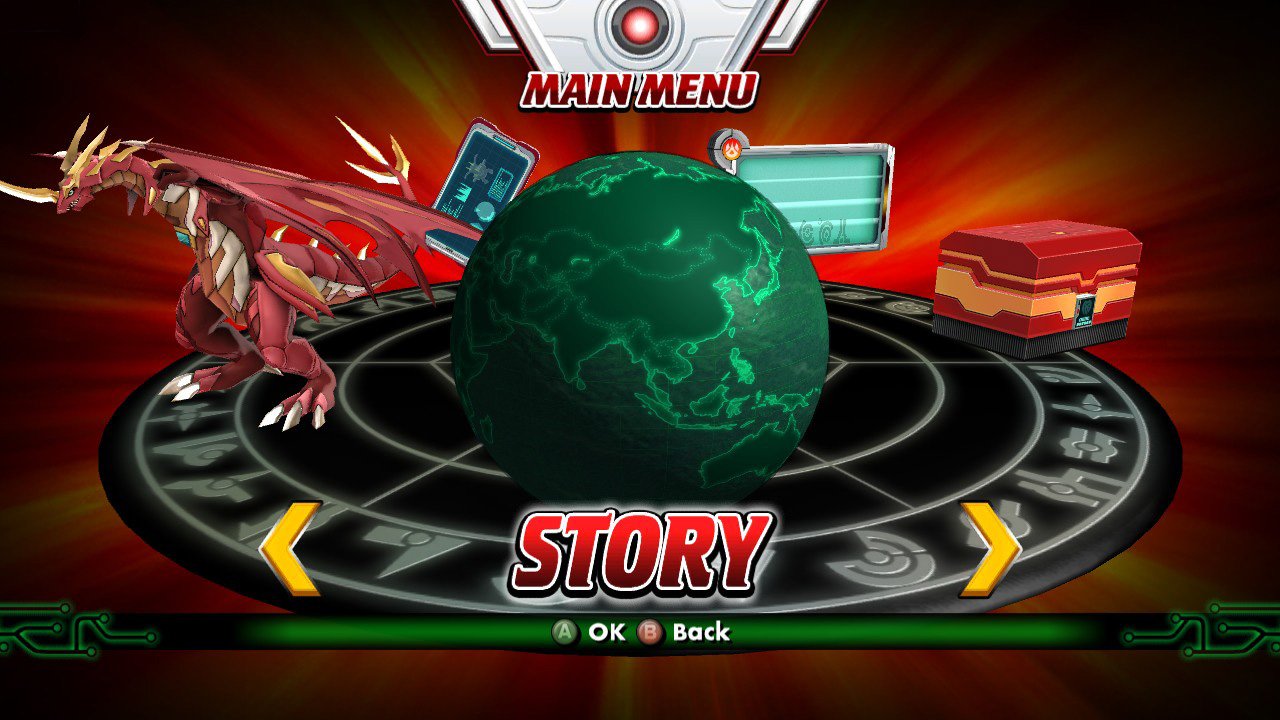
Image of the original game to provide context for the article. Source: RAWG. Does not prove port performance.
How to set up Bakugan on PC
First, you need 64-bit Windows 10 or 11, Visual Studio 2022 with C++, Clang, and CMake, along with your extracted copy of the game. A standalone ISO does not replace the folder required by the project.
- Check if the folder contains
default.xex,d01.dat,d02.datandd03.dat. - Then, compare the edition with
compatibility.jsonin the repository. The project requires a specific executable and does not simply accept any update. - Next, obtain the code via official repository, using Code and Download ZIP, or Git.
- Open
EasyBuild.bat, select the game folder and follow the local generation. - , finally, open
out\build\publish-release\BakuganLauncher.exeand configure the startup.
For Linux, use the specific guide. The instructions and requirements are different; the Windows script does not replace this procedure.

Another scene from the original game, not representing a capture of the recompilation. Source: RAWG.
Limitations and next step
For this reason, the launcher offers windowed, fullscreen, and smoothing filters. However, enlarging the window or enabling FXAA does not increase the game's internal resolution, according to the documentation.
Thus, the current milestone is the availability of the project and the compilation workflow. Reproducible campaign, performance, and compatibility tests are still lacking. See also other projects in the section on ports.
Sources: , official README; Linux guide.