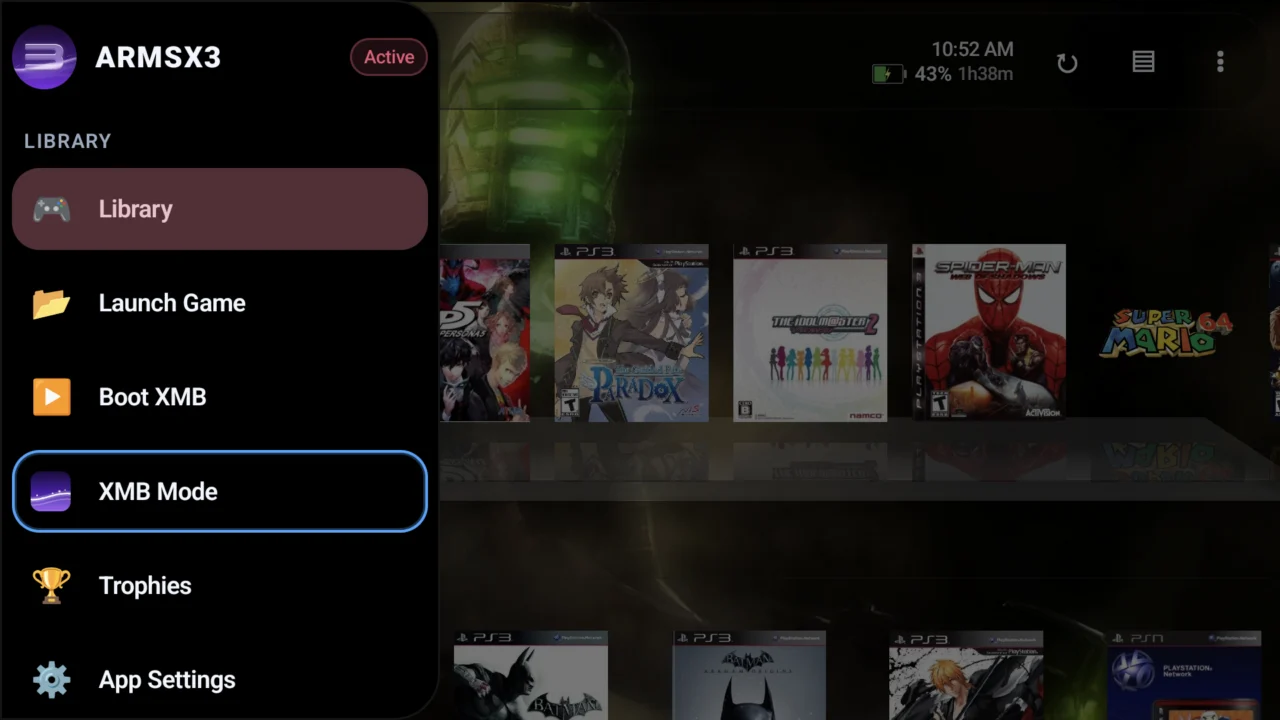
The emulator ARMSX3 1.6.2 on Android has expanded the XMB mode with a music player, visualizers and a dedicated video column. For example, the changes appear in the official release notes for version 1.6.2, released in November 3, 2026. The interface seeks to replicate elements of the classic PlayStation 3 menu on compatible cell phones and Android devices.
However, the audio and video features should not be confused with a new leap in gaming performance. They are primarily navigation and multimedia functions within the XMB mode. Even so, the application is still under development and game compatibility depends on hardware, drivers, and settings.
ARMSX3 1.6.2 on Android: new XMB mode
In addition, the new music column organizes albums and their cover art, allows accessing tracks, and features playback controls such as fast-forward, rewind, pause, volume, repeat, and shuffle. In turn, according to the author, the mode includes visualizers inspired by the original system: Waves, Valley, Gaia, and Lines.
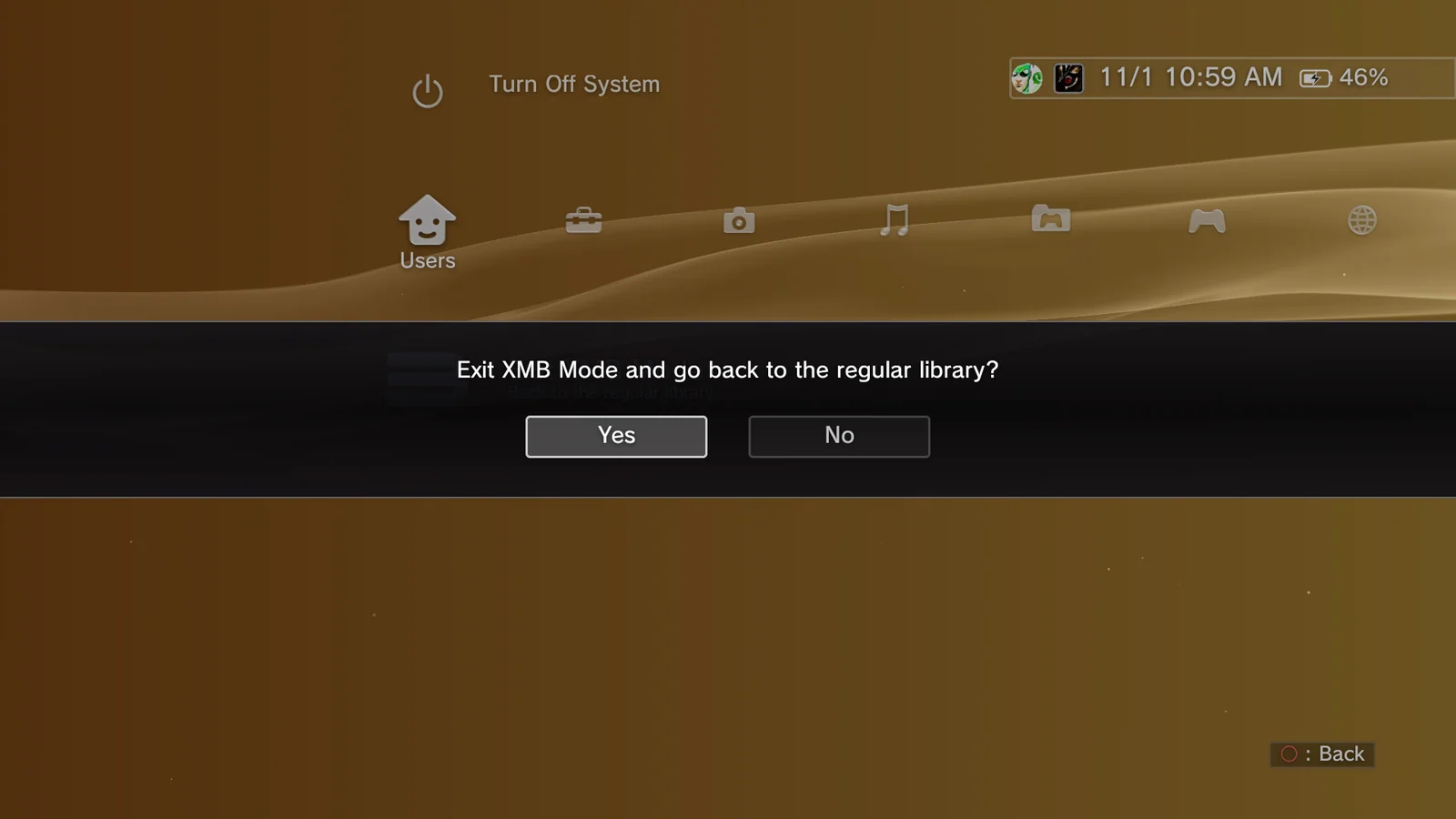
Thus, it is also possible to load music from the device's own folders and import ZIP collections. For example, the program accepts common formats such as MP3, AAC, FLAC, Ogg, Opus and WAV, in addition to ALAC, AIFF and WMA.
ARMSX3 1.6.2 on Android: videos and shaders
In turn, the video column uses application folders, added directories, and compatible removable storage. In addition, the emulator displays file thumbnails and duration, as well as remembering the point where playback was interrupted.
According to the release documentation, the system tries to use the device's own decoder for 4K video playback when supported. In addition, the system resorts to internal tools for additional formats. Among the mentioned extensions are MP4, MOV, MKV, WebM, 3GP, TS, M2TS, MPG, VOB and AVI.
In addition, the video mode allows you to choose framing options such as Normal, Full Screen, Zoom, and Original. Another possibility is to apply RetroArch shader presets to videos played in the application. However, this function does not automatically improve the quality of emulated games.
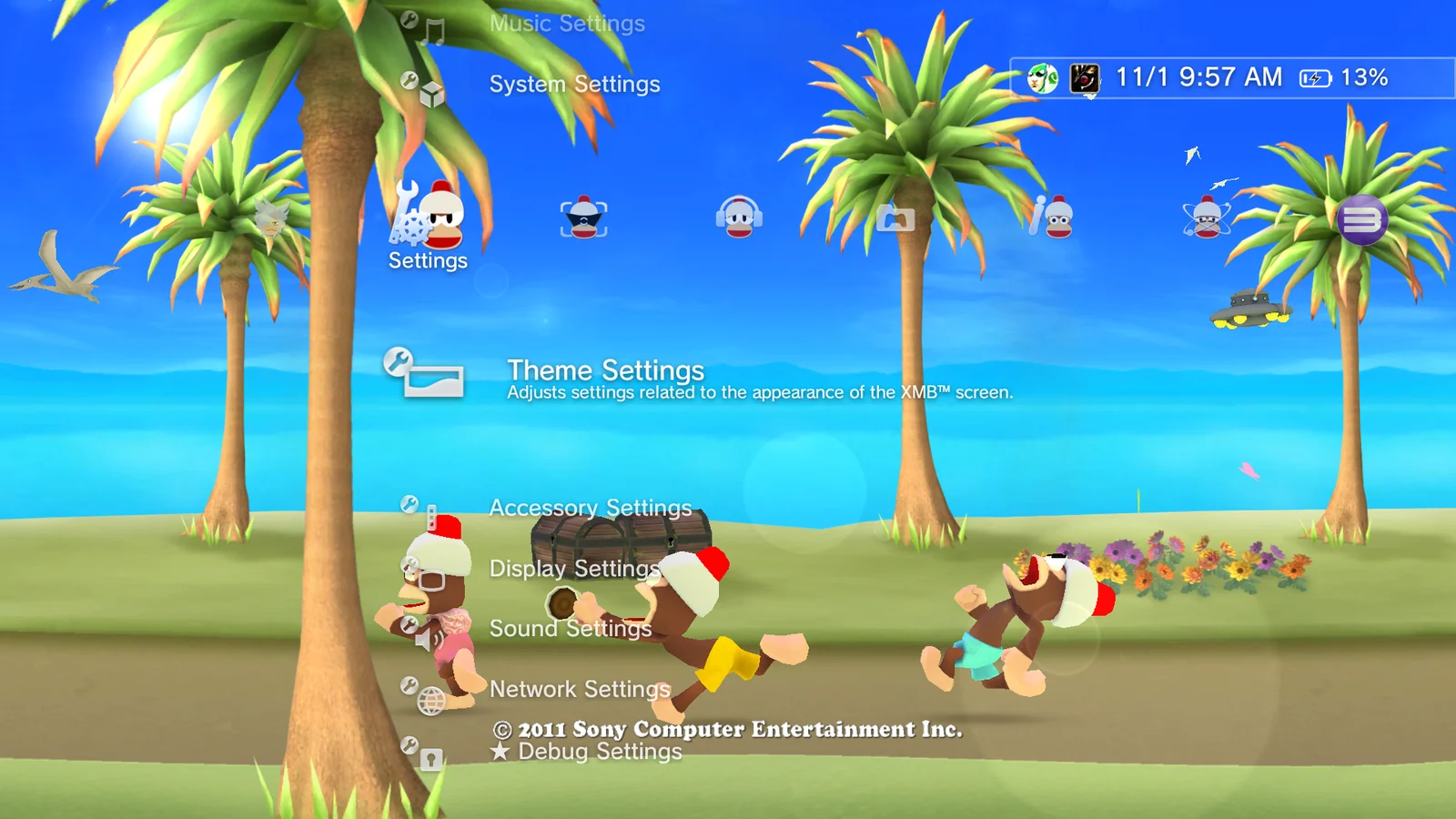
File importing and minor improvements
Another new feature is that the version added its own file browser for certain XMB options, including importing themes, music, and videos. Furthermore, there are improvements to the virtual keyboard, application icons, and startup crash prevention.
However, the team released subsequent updates, such as version 1.6.3, which fixed crashes in specific games. Therefore, anyone installing a more recent build should consult all notes between 1.6.2 and the version actually available.
How to get the updated application
For this reason, official versions are published on the ARMSX3 GitHub releases page. Before downloading, check which package is intended for your device and if there are any warnings about saves or drivers. Do not use modified APKs of unknown origin.
Since the release of the version described in this article, the repository has moved to 1.6.4. Thus, the official update offers packages by Android version and processor type. Choose only the variant compatible with the device:
Even so, ARMSX3 remains a PlayStation 3 emulator for Android. Therefore, to load games, use your own files and licenses, respecting the applicable rules. However, the XMB and multimedia functions do not eliminate potential limitations in emulating complex games.
Finally, in Allves Games, we have already shown the update ARMSX3 1.6.3 and its fixes in Yakuza, Journey and Naughty Bear. This content complements the interface progress of 1.6.2 and addresses distinct changes.
Sources: ARMSX3 — release 1.6.2, 11/3/2026; official version history. The article images illustrate XMB Mode in version 1.6. Screenshots of the new music and video functions from 1.6.2 and independent decoding tests are still pending.