Version
2.6.6.8.1 of the emulator
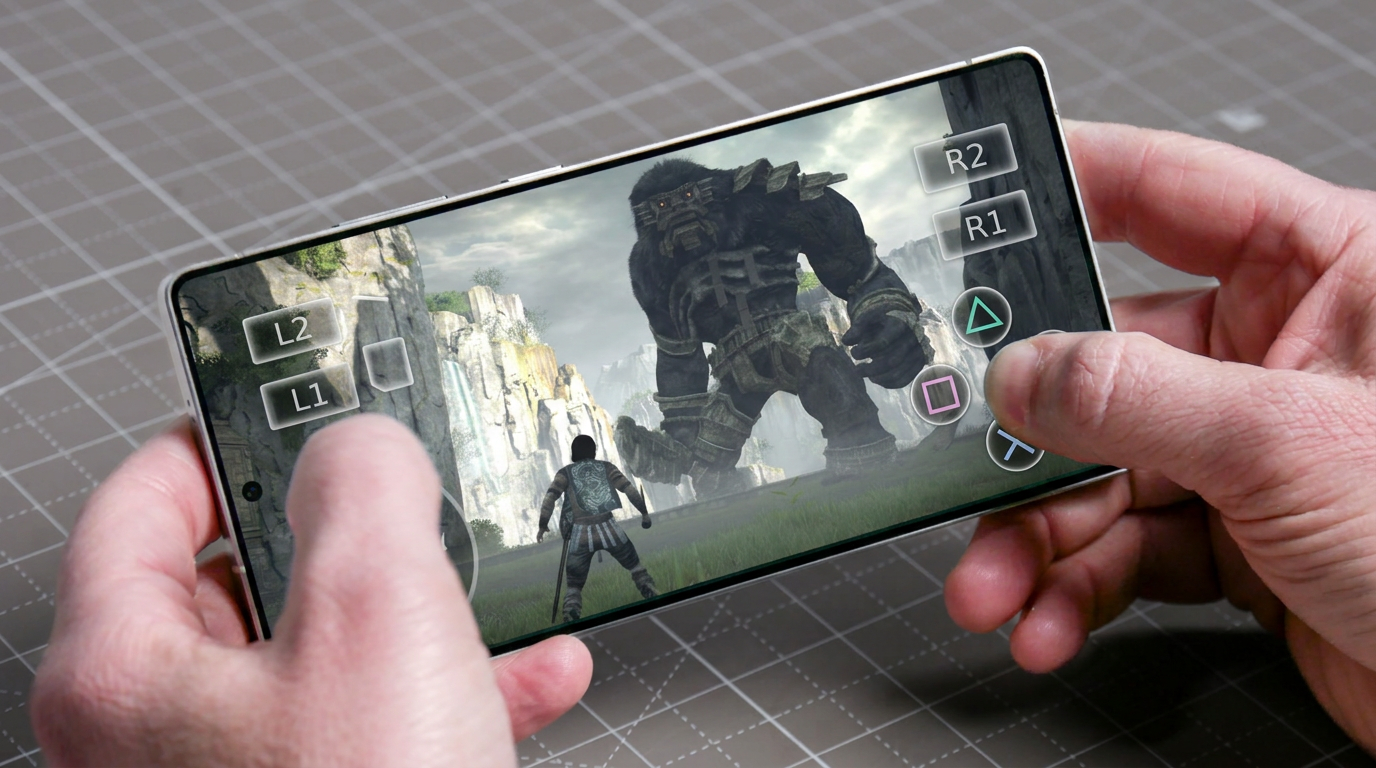
ARMSX2 for Android has just been released, bringing a massive amount of interface improvements, a critical bug fix that erased your saves, new animated backgrounds, a complete rewrite of Frame Generation, and enhanced support for dual-screen devices. If you play on mobile, this update is a must-have.
https://youtu.be/IHDdB-JFDIU
Simplified Library Management

ARMSX2 now makes your life much easier even before you open the game. By holding your finger down on the cover art of any title in your library, you get new quick and essential options:
- Individual cover: Choose the cover art region separately for each game.
- Direct Memory Cards: Access and manage the game's Memory Cards without having to start it.
- Save State Manager: Choosing "Load state" now opens a complete manager with visual thumbnails of each save, abandoning that old confusing text list.
New Live Wallpapers
Six new natively running live wallpapers have arrived to customize the emulator's menu:
Flux, Plasma, SolarWinds, Hyperspace, Lattice and Skyrocket. The highlight goes to the
Flurry (from 2002), which brings eight different presets (water, fire, psychedelic, RGB, binary, classic, insane and random). To activate them, go to
Settings > App and enable the desired live wallpaper.
Configuration Fixes (The End of the Database Conflict)
For those who like to customize settings on a game-by-game basis, this update comes as a relief. Previously, if the emulator's internal database already had a predefined setting for the game, it would simply ignore and overwrite the manual change you made. The only way out was to delete all global settings for that game in order to save a single change.
Now,
your choice has absolute priority. If you define a specific setting for a game, it will override the database, setting by setting. In addition, the "Copy Global Settings" function has been fixed. Previously it copied about 700 hidden parameters, causing bizarre bugs. Now it only copies what you actually changed, ignoring factory settings.
In-Game Interface Changes
The quick menu (overlay) while the game is running is much more flexible:
- The menu can now be docked to the left or right side of the screen.
- The performance overlay (FPS and system usage) can be moved to any corner.
- Control settings (such as inverting the analog stick axis) have been moved to this quick menu, saving you the trouble of entering the full settings.
- The info overlay no longer disappears on its own when you change a setting mid-match.
Frame Generation Rewritten from Scratch and Adaptive Pacing
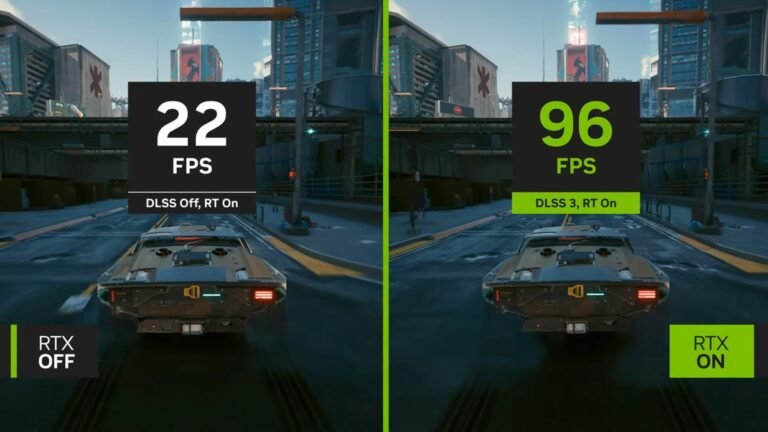
The Frame Generation feature was the star of the previous version, and in this update, it has been remade from scratch, based on the Switch emulator implementation
Eden. Now the steps run natively inside ARMSX2's own Vulkan presentation path. The result is a much smoother interpolated frame, but you will still need the file
Lossless.dll to read shaders in real time.
Another huge addition is
Adaptive Frame Pacing. Instead of just blindly multiplying the framerate (x2), the emulator generates exactly the number of frames needed to reach and synchronize with your phone's screen refresh rate, ensuring perfect fluidity even when the base game's performance fluctuates.
Goodbye Corrupted Save: Memory Cards and Backups Fix
Losing progress is the worst thing in emulation, and ARMSX2 fixed serious corruption issues. There were chronic flaws during data writing and, especially, when you put the emulator in the background, which often prevented the saving process (especially on folder-type or file-type Memory Cards).
The Solution: Now both types of Memory Card force immediate saving as soon as the app goes to the background. Better yet,
Automatic Backup has been implemented. The emulator creates a backup copy before opening any game, maintaining a rotating history. A card that fails to read will never overwrite a previous good copy.
Improvements for Handhelds and Texture Packs
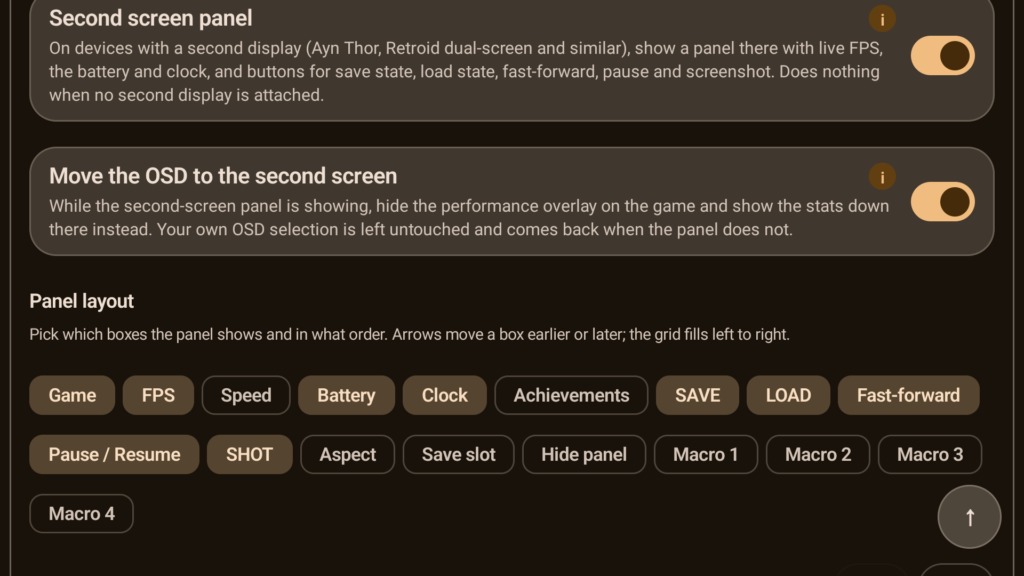
- Dual Screens: For handhelds and portable devices with a secondary screen, the second-screen panel no longer accidentally overlaps the game and has received a custom look, moving away from the standard Android dialog box aesthetic.
- RetroAchievements Hardcore Mode: Stopped erroneously blocking legitimate 60 FPS and Widescreen patches.
- Instant Search: Search results for Patches and Cheats are now cached for a week, making searches instantaneous.
- Giant Texture Packs: The emulator stopped auto-evicting large textures in the middle of loading. The RAM limit is now dynamic (calculating total RAM minus a fixed reservation). On an 8GB device, the limit increases from 4GB to 5.5GB, allowing a 5GB graphic mod to be loaded all at once.
How to Update ARMSX2 (Android)
At the time we published this article, this new version was not yet available on the Play Store, requiring a manual installation (sideload) via the official APK. The process is simple, but you need to know which version to download for your Android architecture. Use the table below as a reference and click the button to download.
| Full File Name |
Compatible Android Version |
| ARMSX2-2.6.6.8.1-legacy-armv8.0-sdk26.apk |
Android 8 and up |
| ARMSX2-2.6.6.8.1-a11-armv8.2-sdk30.apk |
Android 11 and up |
| ARMSX2-2.6.6.8.1-a13-armv8.2-sdk33.apk |
Android 13 and up |
| ARMSX2-2.6.6.8.1-a15-armv8.2-sdk35.apk |
Android 15 and up |

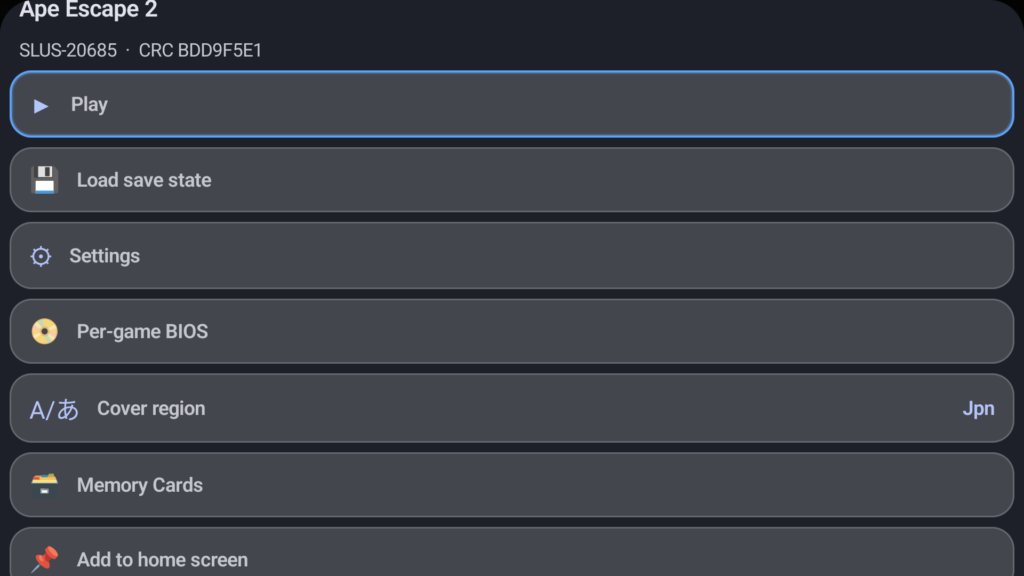 ARMSX2 now makes your life much easier even before you open the game. By holding your finger down on the cover art of any title in your library, you get new quick and essential options:
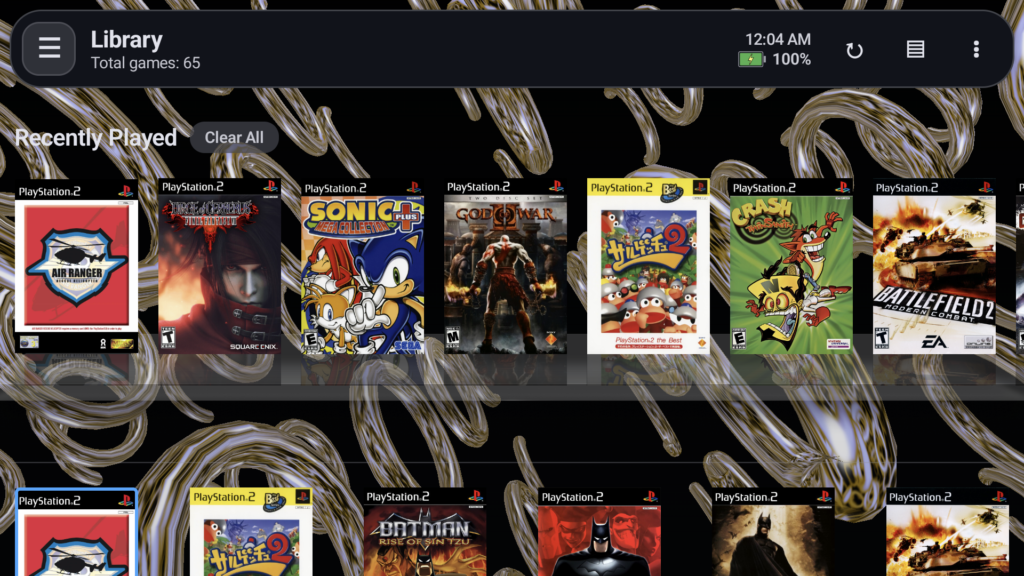 Six new natively running live wallpapers have arrived to customize the emulator's menu: Flux, Plasma, SolarWinds, Hyperspace, Lattice and Skyrocket. The highlight goes to the Flurry (from 2002), which brings eight different presets (water, fire, psychedelic, RGB, binary, classic, insane and random). To activate them, go to Settings > App and enable the desired live wallpaper.
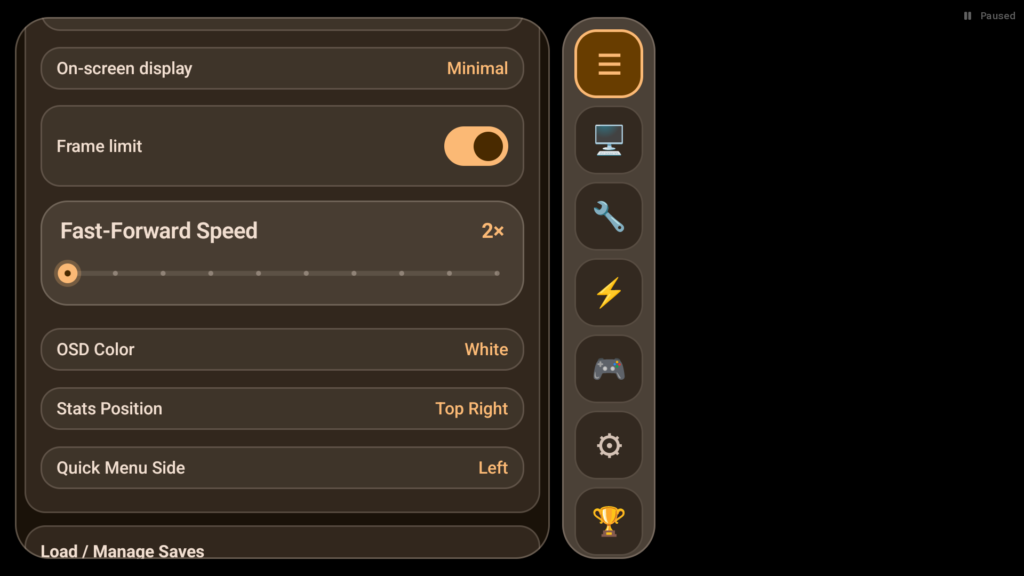 The quick menu (overlay) while the game is running is much more flexible:
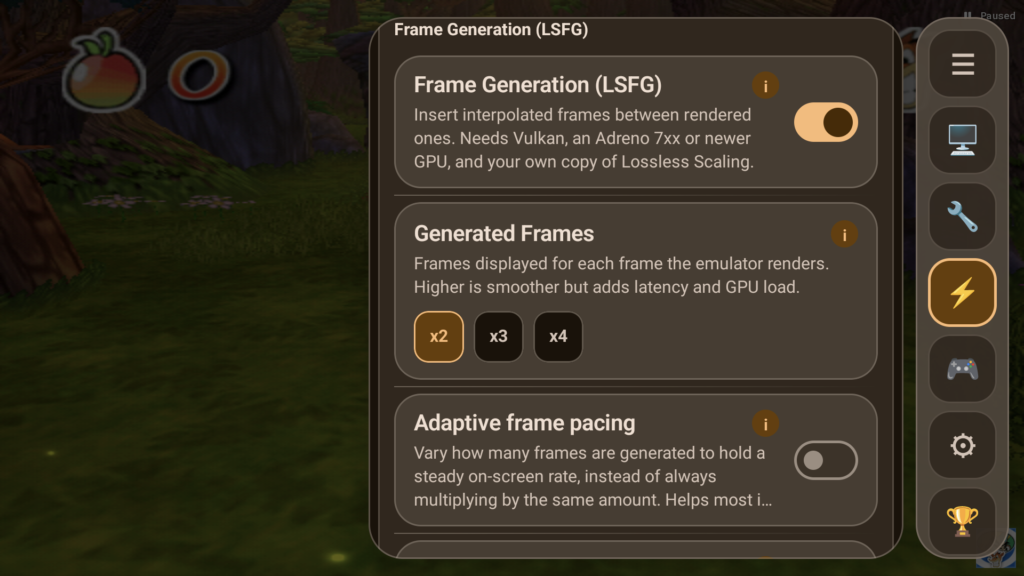 The Frame Generation feature was the star of the previous version, and in this update, it has been remade from scratch, based on the Switch emulator implementation Eden. Now the steps run natively inside ARMSX2's own Vulkan presentation path. The result is a much smoother interpolated frame, but you will still need the file