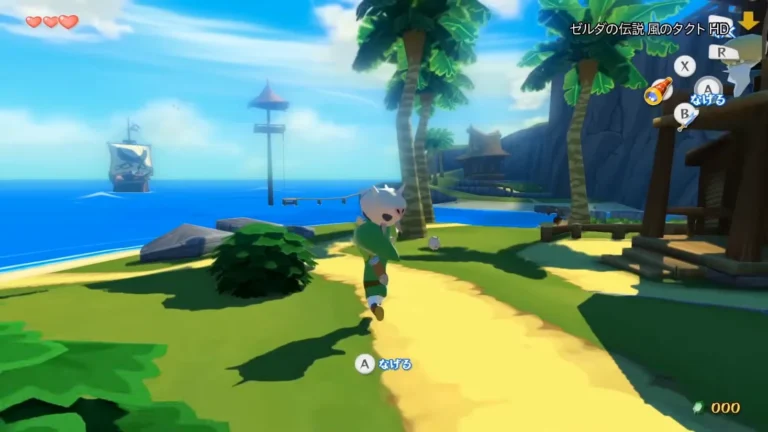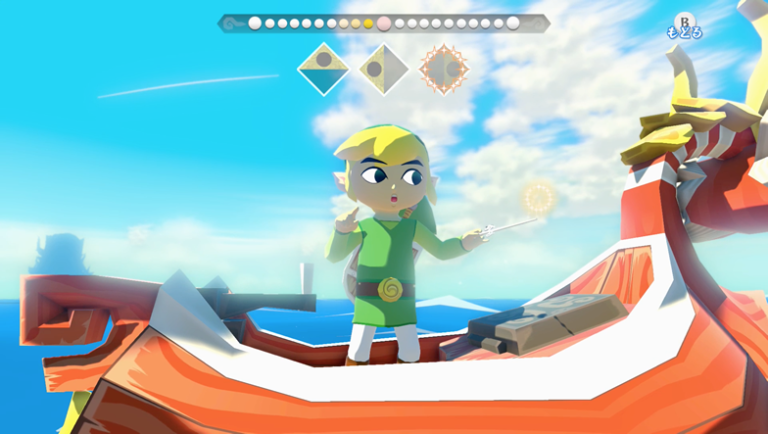
The Zelda: port Wind Waker HD 0.3.0 received a community quest system on October 15, 2026. The update allows mods to deliver letters to Link, add treasure maps, and organize objectives in a journal. However, these adventures only work on Windows, macOS, and Linux for now.
According to the official ZeldaWWHDRecomp notes, Android receives the other compatible adjustments from the version, but still does not run code mods. Thus, downloading the 0.3.0 APK does not unlock the new story system on mobile.
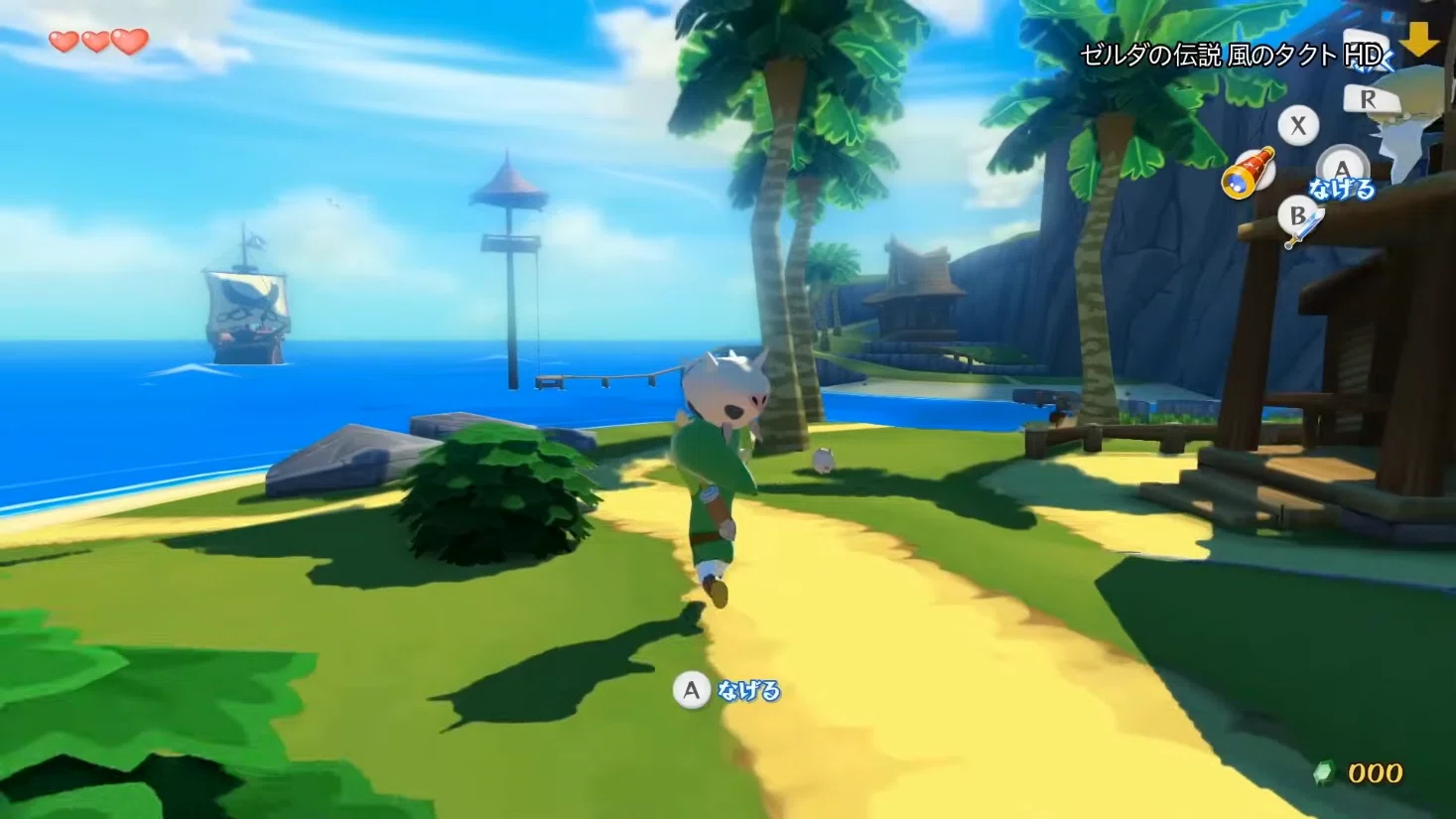
Wind Waker HD 0.3.0 organizes quests in a journal
The main new feature is the Story Notebook, a notebook accessible via the Delivery Bag. It lists mod quests, indicates the next step, and shows progress. Additionally, each page can display a small map and allow marking the objective on the sea chart.
The system also uses Rito mailboxes. This way, a letter can start an adventure or deliver an item and a treasure map. Afterward, the player follows the indicated point, looks for the ring of light on the sea, and uses the crane to retrieve the chest.
On the other hand, the port provides the structure, while the catalog packages provide the stories. The installer downloads the Story Notebook with an initial internet connection. If the preparation happens offline, the user can install this component later via the mods menu.
Examples remain experimental and do not reach Android
The catalog maintained by the project includes Call of the Sky and The Old Map. The former proposes a musical quest on Dragon Roost Island; the latter demonstrates a map card to recover a treasure. However, those responsible classify these examples as experimental, with gameplay verification still pending.
Therefore, the possibilities described in this news come from the authors' documentation, without independent testing of the quests. Furthermore, the manager hides experimental packages until the user activates the corresponding option and creates a backup before enabling them.
The platform distinction is important: Windows, Mac, and Linux accept these code mods. Android, however, remains without this feature, although it receives a button to share logs and adjustments to system performance modes.
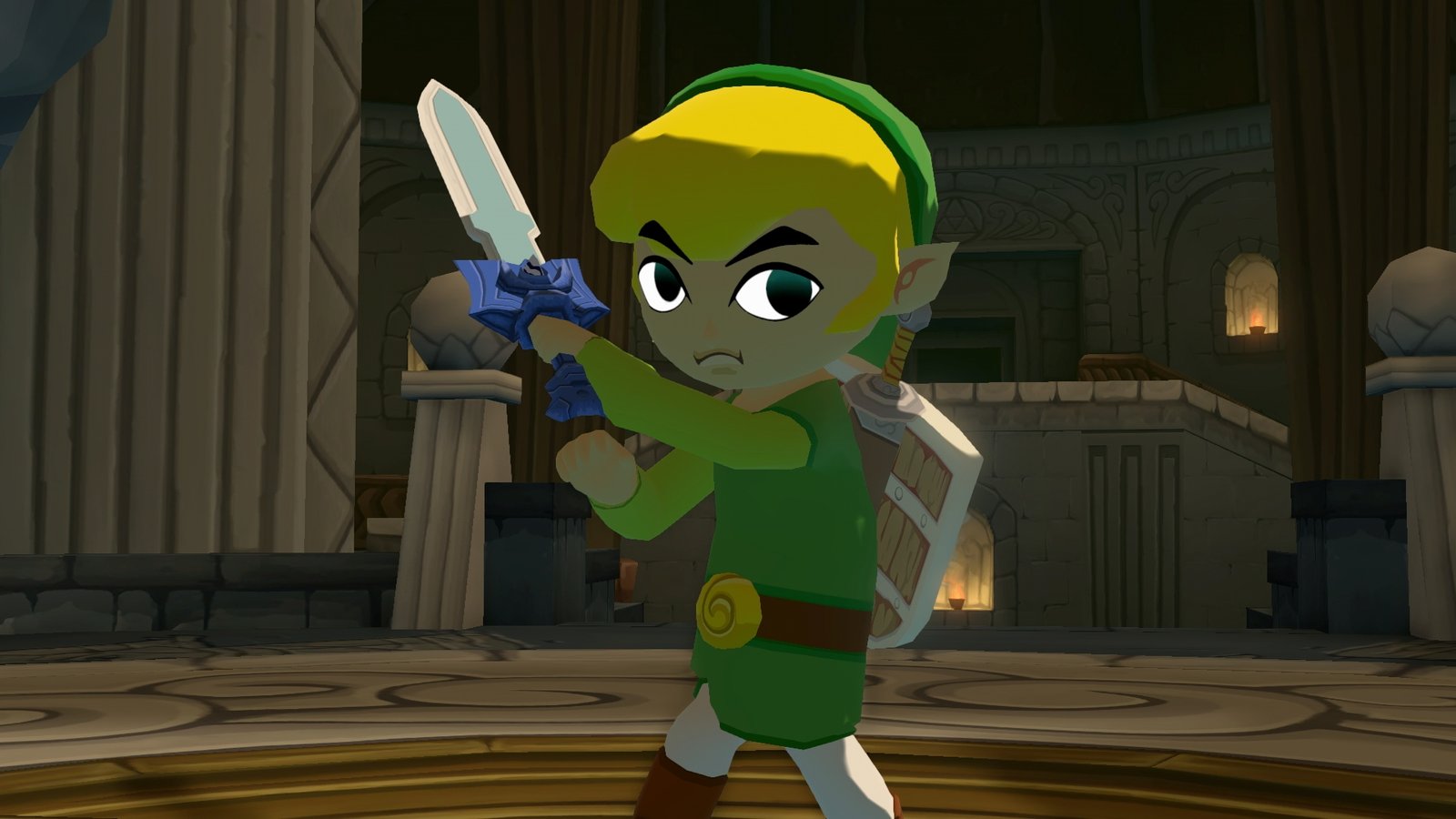
Wind Waker HD 0.3.0 expands tools and fixes graphics
For creators, the Mod SDK v2 allows declaring characters, stages, rewards, cards, items, and maps in a manifest. Thus, custom behaviors can complement the basic structure of each adventure. The official SDK guide gathers instructions and examples.
In addition, the version includes rendering alternatives for old drivers on Windows and Linux and for certain PowerVR GPUs on Android. The team also fixed ropes that shook with frame interpolation, controller swapping when loading states, and window scaling on Wayland.
Another optional adjustment extends the enemy lock-on distance. However, the game itself still determines which targets are valid. These changes follow the version 0.2.13, which received shader preparation and save backups.
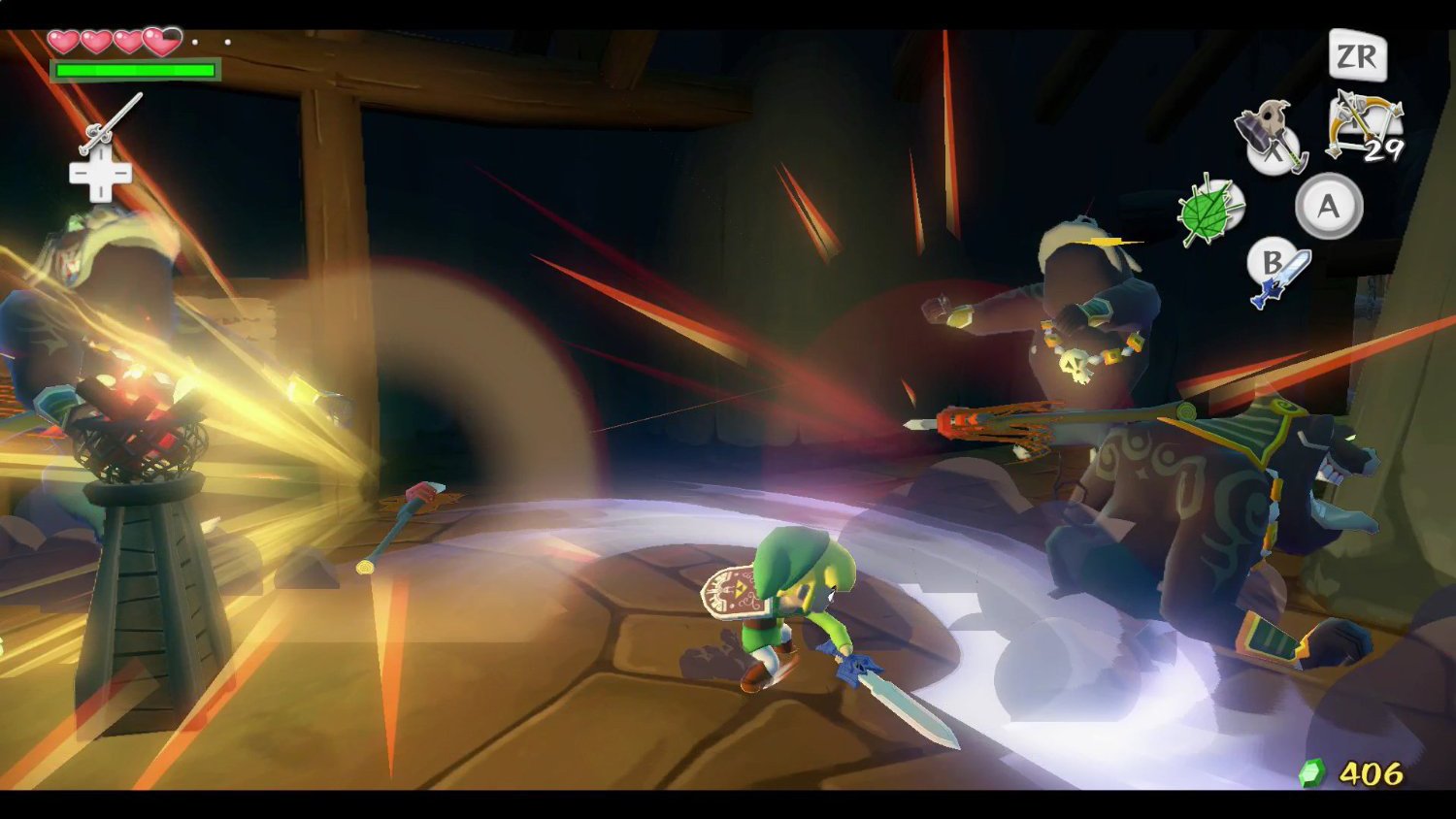
How to download Wind Waker HD 0.3.0 and install the port
The release offers packages for Windows x64 and ARM64, macOS Apple Silicon, Linux x64 and ARM64, and Android. However, none of them include the game, its commercial code, or keys. You need to provide your own copy of The Legend of Zelda: The Wind Waker HD for Wii U.
The installer accepts a WUA file, an extracted folder, or a WUD/WUX dump with keys obtained from your own console and disc. In the case of WUA, separate keys are not required. Thus, the application prepares the game locally from the provided files.
- Choose the package for your platform and architecture below. On Linux, use the AppImage or the corresponding ZIP; on Android, ARM64 serves compatible phones, while x86_64 is intended for equipment with that architecture.
Downloads for Windows
Windows x64 — Official ZIP for version 0.3.0
DOWNLOAD ZELDA: WIND WAKER HD PORT WINDOWS X64 UPDATED
Computers with Windows ARM64 — Official ZIP
DOWNLOAD ZELDA: WIND WAKER HD PORT WINDOWS ARM64 UPDATED
Package for Mac Apple Silicon
On Mac, the project requires Apple Silicon and macOS 14 or higher. Also, keep the application inside the extracted folder, along with the other components.
Mac Apple Silicon — path that follows the latest official version
DOWNLOAD ZELDA: WIND WAKER HD PORT MACOS ARM64 UPDATED
Linux and Steam Deck options
On Linux, the requirements include glibc 2.35 or higher and Vulkan support. For the AppImage, mark the file as executable before opening it. The data for this format is located in the user folders indicated by the documentation.
Linux x64 and Steam Deck — AppImage
DOWNLOAD ZELDA: WIND WAKER HD PORT LINUX X64 APPIMAGE UPDATED
Linux x64 distributions — ZIP alternative
DOWNLOAD ZELDA: WIND WAKER HD PORT LINUX X64 ZIP UPDATED
Linux ARM64 — AppImage
DOWNLOAD ZELDA: WIND WAKER HD PORT LINUX ARM64 APPIMAGE UPDATED
Linux ARM64 equipment — ZIP alternative
DOWNLOAD ZELDA: WIND WAKER HD PORT LINUX ARM64 ZIP UPDATED
APK for Android, no code missions yet
On mobile phones, the project requires Android 13 or higher and Vulkan 1.3. However, compatibility also depends on the GPU and drivers. The missions described above remain restricted to computers.
Android ARM64 — APK for compatible devices
DOWNLOAD ZELDA: WIND WAKER HD PORT ANDROID ARM64 UPDATED
Android x86_64 devices — specific APK
DOWNLOAD ZELDA: WIND WAKER HD PORT ANDROID X86_64 UPDATED
- On your computer, extract the ZIP and open the platform application; on Android, install the official APK and open the program.
- Select the files from your own copy and wait for the initial preparation. The time varies depending on the equipment.
- On Windows, macOS, or Linux, go to Settings → Mods → Community. Then, install the Story Notebook and choose the compatible packages, keeping a copy of your saves.
- Finally, enable the chosen mods and restart when the application requests it. Check the status of each package before activating experimental content.