

On mobile:
1. Access the game page via this link (if you want to translate the page, feel free).
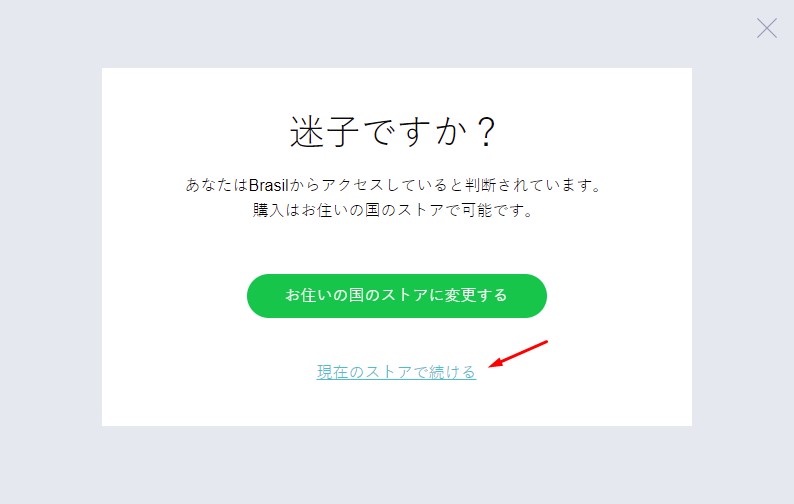
2. If a warning appears for you, click on the link below the green button:
3. Click on the blue button right below the price (¥ 0 ¥ 2,640)
4. If you are not logged into your Ubisoft Connect account, you will have to log in. After that, repeat step no. 3.
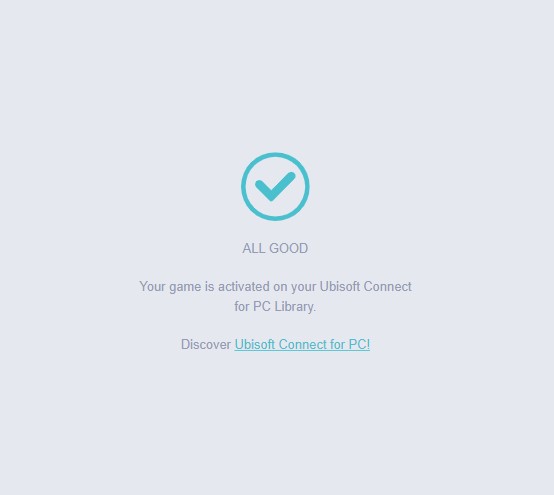
5. If a message appears saying "ALL GOOD" it means the game is already in your library. After that, install Ubisoft Connect on your PC via this link and download the game.
On PC:
1. Access the game page via this link (if you want to translate the page, feel free).
2. Enable responsive mode in your browser (to enable this mode, press CTRL + SHIFT + i or CTRL + SHIFT + M). The page should look like this:
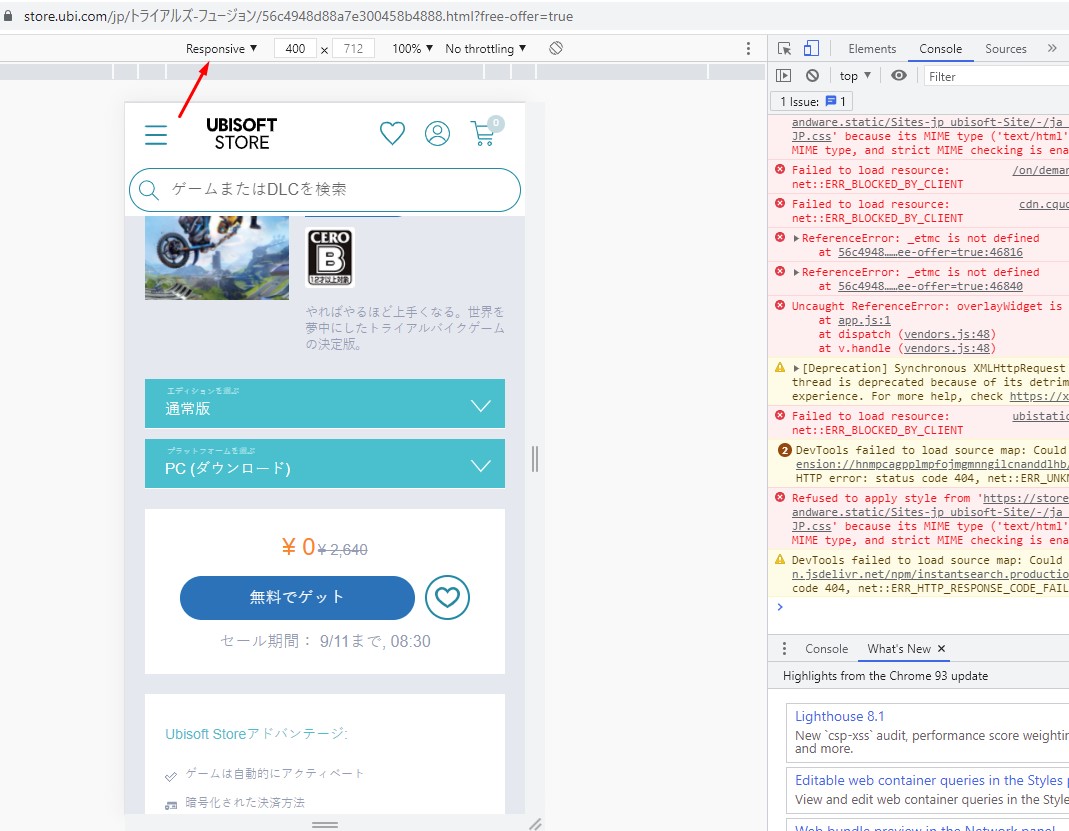
3. Click on the blue button right below the price (¥ 0 ¥ 2,640)
4. If you are not logged into your Ubisoft Connect account, you will need to log in. After that, repeat step #3.
5. If a message appears saying "ALL GOOD" it means the game is already in your library. After that, install Ubisoft Connect on your PC via this link and download the game.
- For more free games, join our Discord server: Click here
[ajax_load_more]
Pingback: Nioh The Complete Edition está grátis para resgate permanente na Epic