Skies of Arcadia Legends received the version 0.51.0-beta of its port for Windows, Linux and Android on October 19, 2026. The official update adds romhacks that alter data, an option to avoid random battles by holding B, and a Linux AppImage. Meanwhile, version 0.50, released the previous day, had brought ultrawide support and HD texture importing.
In addition, the project preemptively converts the game's PowerPC code for native execution. For graphics, audio, input, and other console features, it uses components derived from Dolphin. Therefore, it is not simply a matter of opening the game in a conventional emulator, but it would also be incorrect to say that there is no emulation technology involved.
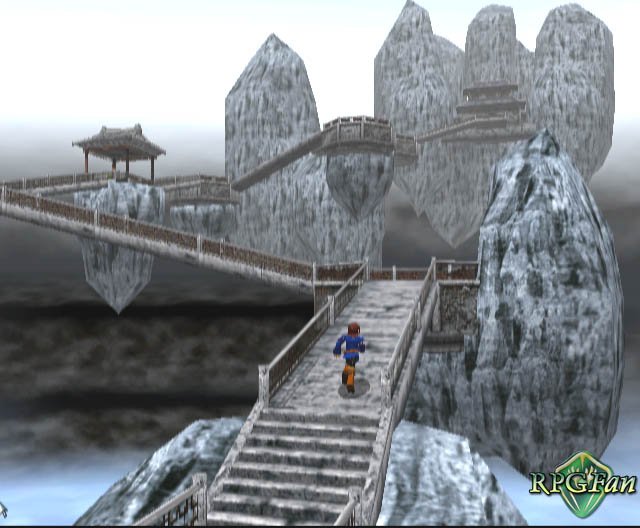
Skies of Arcadia Legends 0.51: what's new
The version 0.50 from October 18 expanded the image to 21:9, 32:9, 16:10 and other formats, with adjustable interface positioning. It also introduced HD texture pack import and a configurable data folder. However, 32:9 cutscenes may reveal incomplete scenery areas. The port also offers adjustable internal resolution, anti-aliasing and a configurable camera.
In the 0.51.0-beta, the user can import their own image modified by a data romhack, such as Maeson's rebalance. Save states for the modified game are kept separate, but romhacks that alter code do not work. In addition, the option Hold B disables random encounters while the B button is held down, whether on foot or sailing. Dreamcast music support has also been expanded, provided the user has their own disc.
For example, in battles, the author implemented speeds of up to four times normal. There are also adjustments for random encounters, experience, and money, plus five save state slots and auto-saving in the field. These functions are listed in the project's documentation; they have not undergone independent testing in this report.
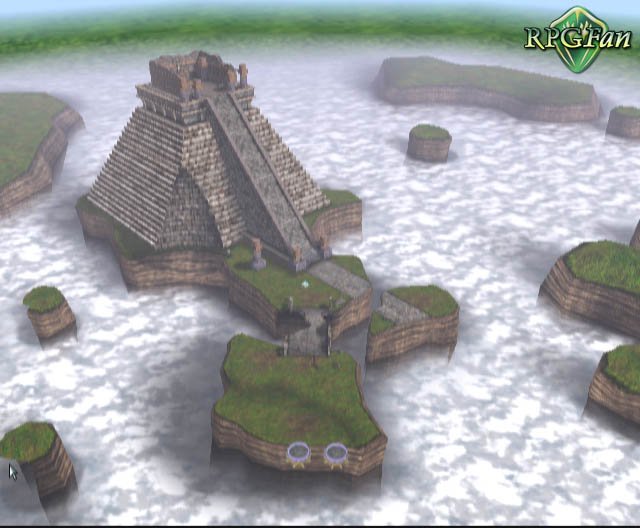
Skies of Arcadia Legends: requirements for PC and Android
Regarding the requirements, the project documents 64-bit Windows 10/11, Linux x86_64 with Vulkan or OpenGL, and Android 7.0 or higher on ARM64 devices. The new Linux AppImage requires glibc 2.38 or higher; according to the official notes, the AppImage and tar.gz fix missing libraries in Fedora and Bazzite. It is necessary to use its own legally obtained copy of the American GameCube (GEAE8P) or European (GEAP8P); the Japanese edition is not supported.
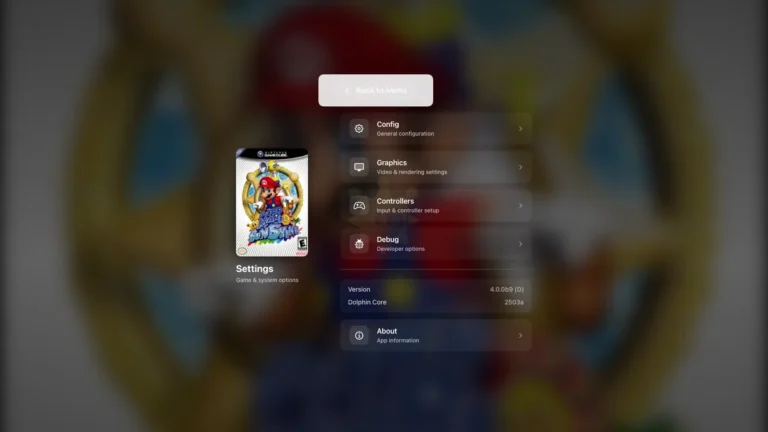
In this regard, the README mentions image formats such as RVZ, ISO, GCM, GCZ, WIA, and CISO. The repository does not distribute commercial games, disk images, or protected files.
According to the developer, a Retroid Pocket 5 with a Snapdragon 865 ran the Android build at 60 FPS with frame interpolation. This result is a test report by the author, not an independent measurement or a guarantee for other phones.
Beta still has limitations
Despite the new features, the project warns that changing the speed during a turn can freeze the battle. Therefore, it recommends making the adjustment during the command selection stage. On the Android tested by the author, the three and four times acceleration options were closer to two to two and a half times.
In addition, auto-saving may cause a brief pause on Android devices. Since development is in beta, it is recommended to keep backup copies of saves before testing future versions.
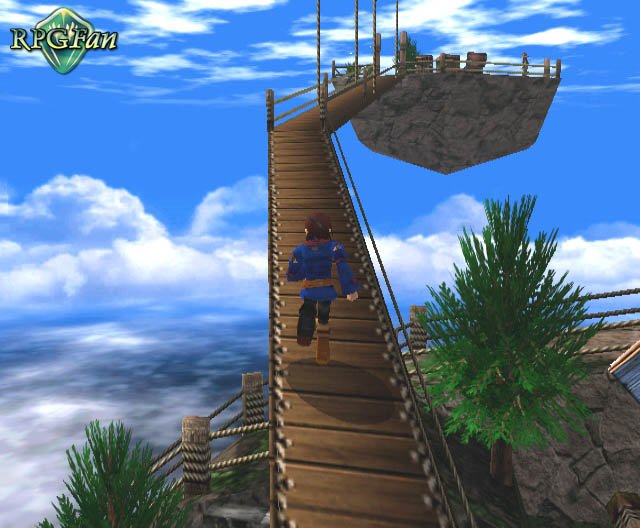
Is it already possible to download the port?
The official release 0.51.0-beta makes four packages available: Windows ZIP (91,793,887 bytes), Linux AppImage (95,410,680 bytes), Linux tar.gz (104,983,503 bytes) and Android APK (90,778,655 bytes). Public GitHub metadata confirmed the names, sizes and publication date of 10/19/2026, but there was no independent installation test.
How to install Skies of Arcadia Legends
- First, prepare your own American or European GameCube disc image in one of the formats accepted by the project.
- Next, download the 0.51.0-beta package corresponding to your system using the buttons below.
DOWNLOAD UPDATED SKIES OF ARCADIA LEGENDS WINDOWS PORTDOWNLOAD SKIES OF ARCADIA LEGENDS PORT LINUX APPIMAGE UPDATEDDOWNLOAD SKIES OF ARCADIA LEGENDS PORT LINUX TAR.GZ UPDATEDDOWNLOAD SKIES OF ARCADIA LEGENDS PORT ANDROID UPDATED
On Linux, AppImage and TAR.GZ are alternatives: choose one of the formats, respecting the glibc 2.38 or higher requirement.
- On Windows, extract the entire ZIP and open
Skies of Arcadia Legends.exe. On Linux, make the AppImage executable and open it; if you prefer the TAR.GZ, extract and run it./SkiesOfArcadiaLegendsfrom inside the folder. On Android, install the APK and open the app. - Then, choose Select Disc, select your disc image and wait for the import. Finally, press Start Game.
The packages are available on the official version 0.51 page. To update, extract the new build on Windows or Linux; on Android, install the APK over 0.50. According to the author, the update preserves saves and settings. If prompted, select your legally obtained disc image again. The commercial game is not included with the port.
Those who follow other classic PC game projects may also know the experimental Dreamcast Soulcalibur port, which uses a recompilation approach for another platform.
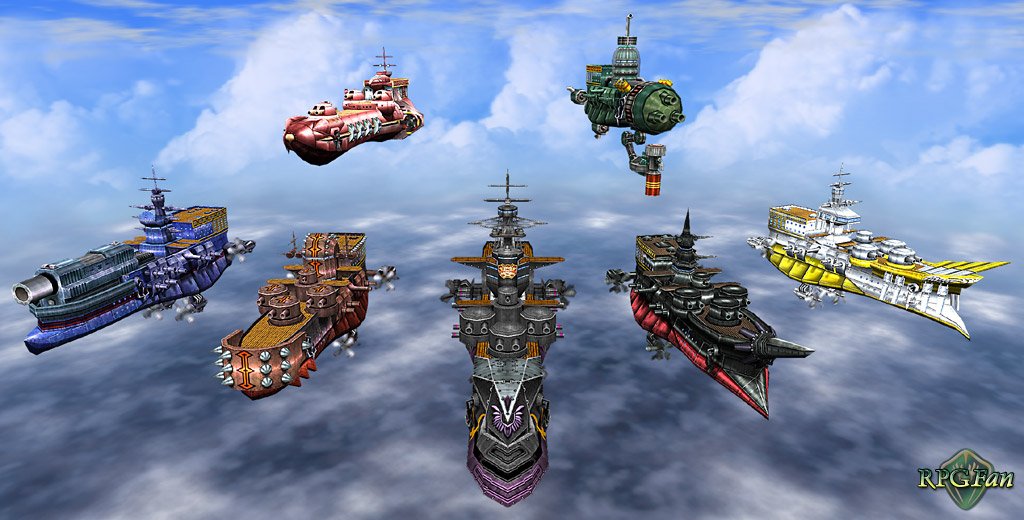
Sources: release 0.51.0-beta (10/19/2026); release 0.50.0-beta (10/18/2026); , official README ; original game art and GameCube screenshots in the RPGFan archive (accessed on 10/19/2026).