Silent Hill 4 on Nintendo Switch is the focus of an experimental development update published in October 2026. Allves Games official release reports the features and makes files available by platform, without including commercial game data.
For now, the features and results mentioned are reported by those responsible and do not amount to independent validation of the campaign or full compatibility.
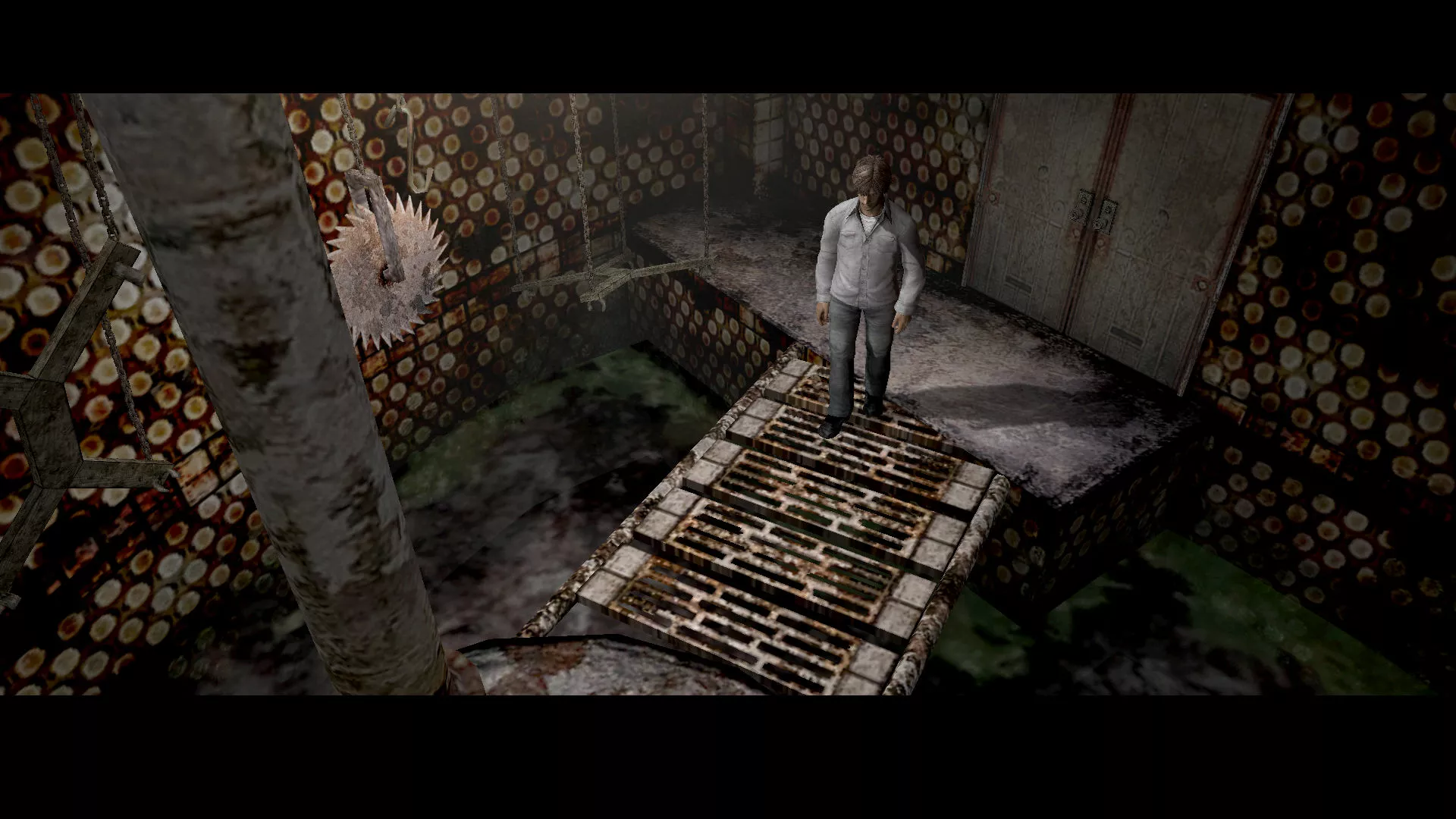
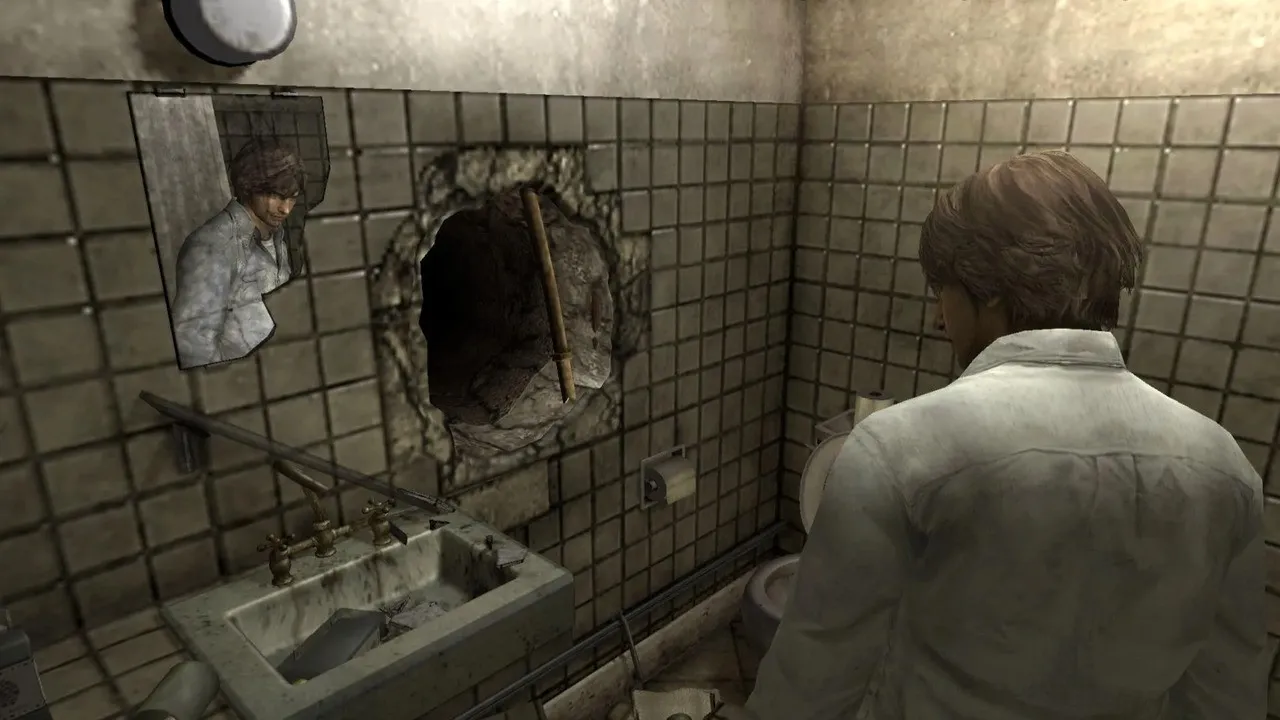
Scene from Silent Hill 4 for PC, distributed by GOG and used as the file base for the port. Source: GOG. Source.
Silent Hill 4 uses the PC version as a base
On October 12, 2026, developer 72ak released version 0.1 of the sh4-nx project. The port recompiles the Windows executable of the GOG edition to run on the Nintendo Switch's ARM64 processor. Therefore, the program does not include the commercial game, nor is it equivalent to an official distribution by Konami.
Silent Hill 4: 720p and limitations on Switch
As a result, the project uses 1280 × 720 as its default resolution in widescreen format. Additionally, users can change the resolution in the sh4.ini file. However, this version skips pre-rendered cutscenes (FMVs). The creator reports playable sections, but our team has not independently verified the full campaign.
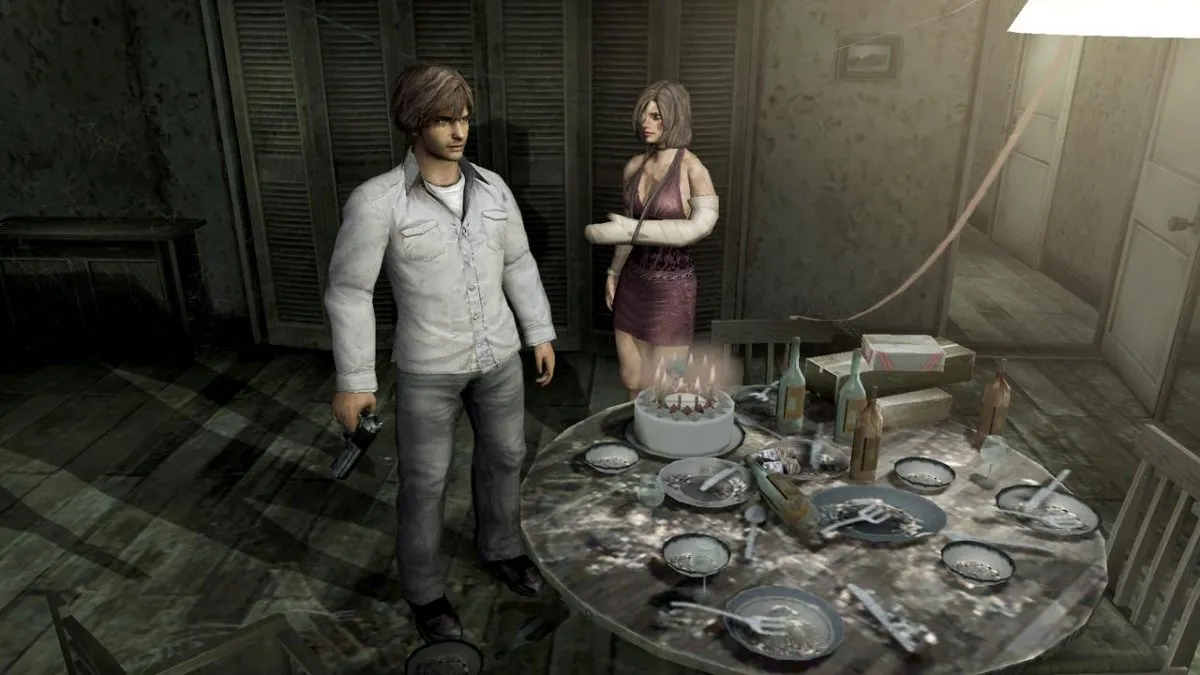
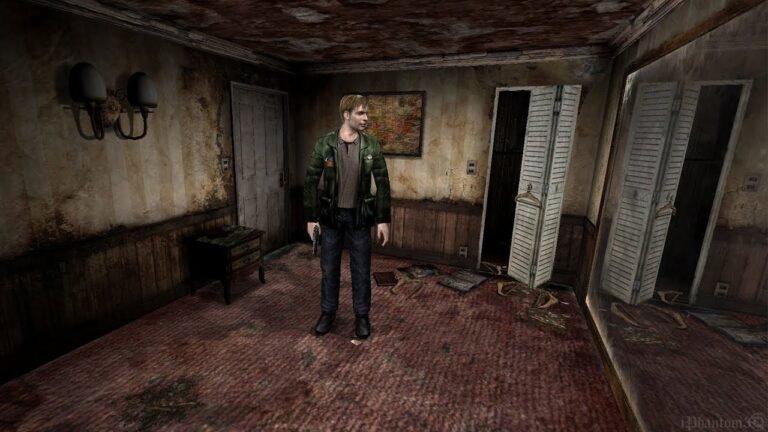
Screenshot of the original Silent Hill 4, not a test running on the Switch. Source: OBarrete. Source.
Installation and required files
The homebrew is intended for Switch devices prepared to run unofficial applications. In addition to the sh4-nx.nro file, installation requires files from the user's own copy of the GOG version of the game, including the executable, input.ini, sh4_caps.dat, and data folders. Furthermore, the official guide specifies the layout of the files on the microSD card. However, the article does not provide a copy of the game, firmware, keys, or commercial games.
How to download and install
To begin, confirm the platform, requirements, and the accepted original game version. Therefore, official packages do not contain protected files from the commercial title.
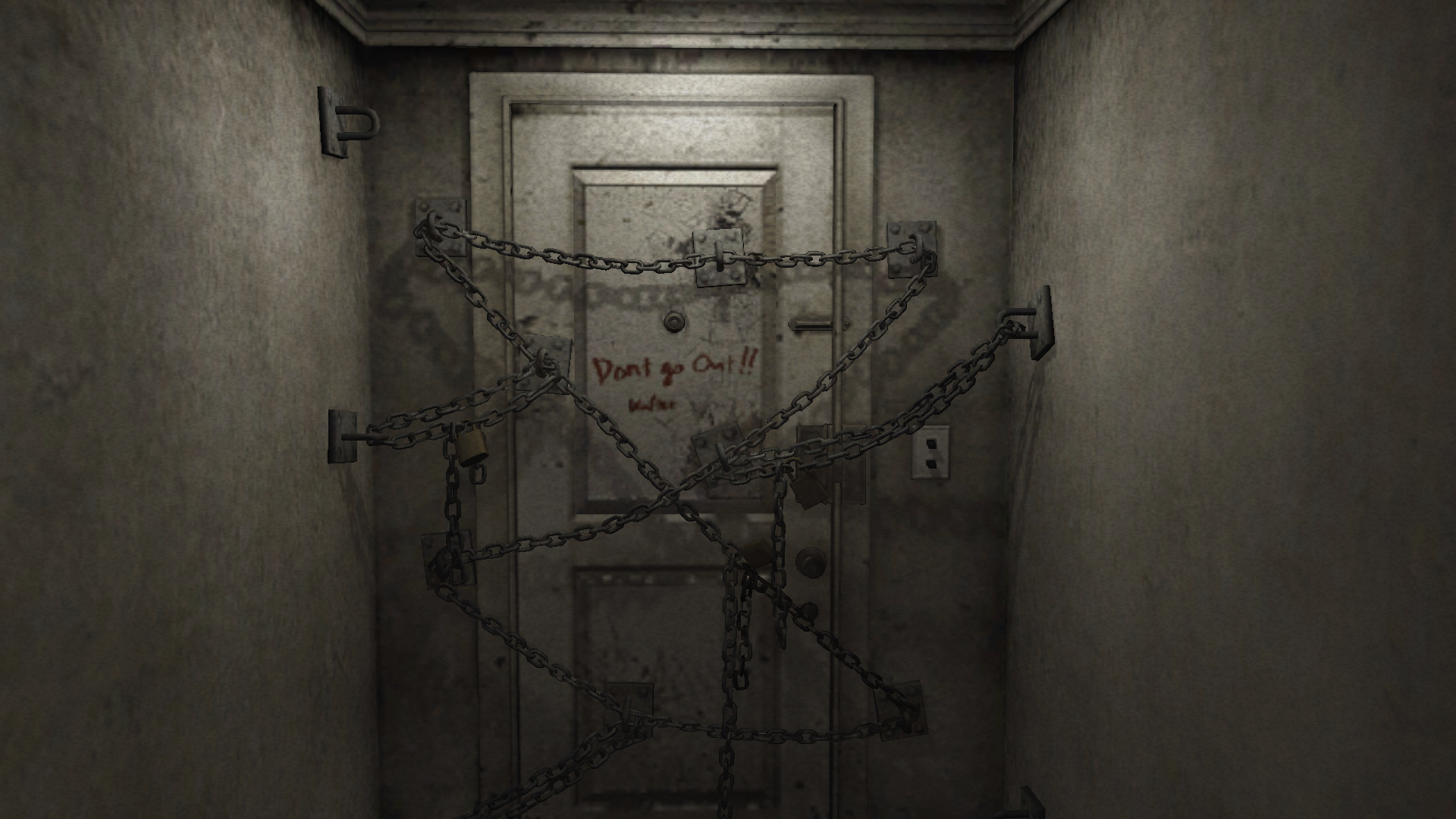
The chained door of the Silent Hill 4 apartment, in an original game scene. Source: Lonely Frontier. Source.
- Check the compatible operating system or device.
- Download the specific public package for your platform below, in the indicated version.
- Read the project instructions and prepare only the files from your legitimate copy of the game.
- Run the program in the compatible environment, observing its current limitations.
Therefore, the links point to the version verified in this report and may become outdated when new releases occur. Consult the official page for new versions and details. In addition, follow other adaptations in the port coverage of Allves Games.
Sources: official release notes; developer repository.