Resident Evil: The Umbrella Chronicles on Linux and Steam Deck already features a specific package for the unofficial re-compilation developed by solleo95. On November 3, 2026, the project released the Linux 0.1.1 version and published instructions to run the Wii edition on Valve's handheld. This is an experimental native port, and not a Capcom release.
What changes in the Linux port?
The project reuc-recomp ahead-of-time converts the game's PowerPC code into an executable application for modern PCs. Thus, the Linux version does not need to emulate the Wii CPU in a traditional emulator. The author himself states that the port uses Vulkan rendering on this platform.
In addition, the adaptation offers a specific interface for Steam Deck. According to the developer documentation, it is possible to aim using the gyroscope, right trackpad, thumbsticks, or touch screen. The game menu adapts its controls to Game Mode and allows adjusting controls and graphics options.
However, the author makes it clear that the compilation is an initial one. He tested the Steam Deck version on a single device; therefore, there is no basis to guarantee the absence of bugs, broad compatibility, or a specific frame rate for all users.
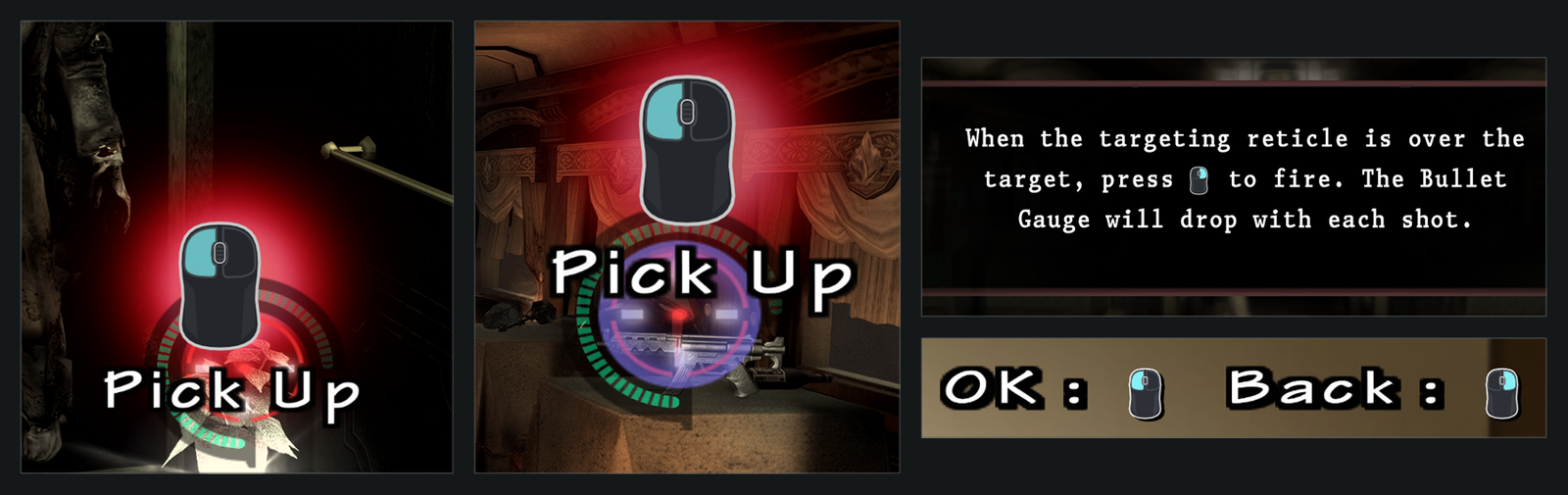
Controls interface of the reuc-recomp port. Credit: solleo95 / GitHub. Project screenshot, not an independent test on the Steam Deck.
Resident Evil on the Steam Deck: download and requirements
Checking the official releases confirmed the file UC-Linux-0.1.1.zip, published on November 3, 2026. This file is different from the package intended for Windows. The user should check the current version in the repository, as new builds may replace it.
The port does not include the commercial game. You need to provide your own copy of the North American Wii version, with identification RBUE08. The guide reports support for ISO, WBFS, CISO, WDF or WIA images, in addition to folders with extracted data. The RVZ format is not accepted at this stage. Set aside approximately 4 GB for the extracted data and additional space for the program.
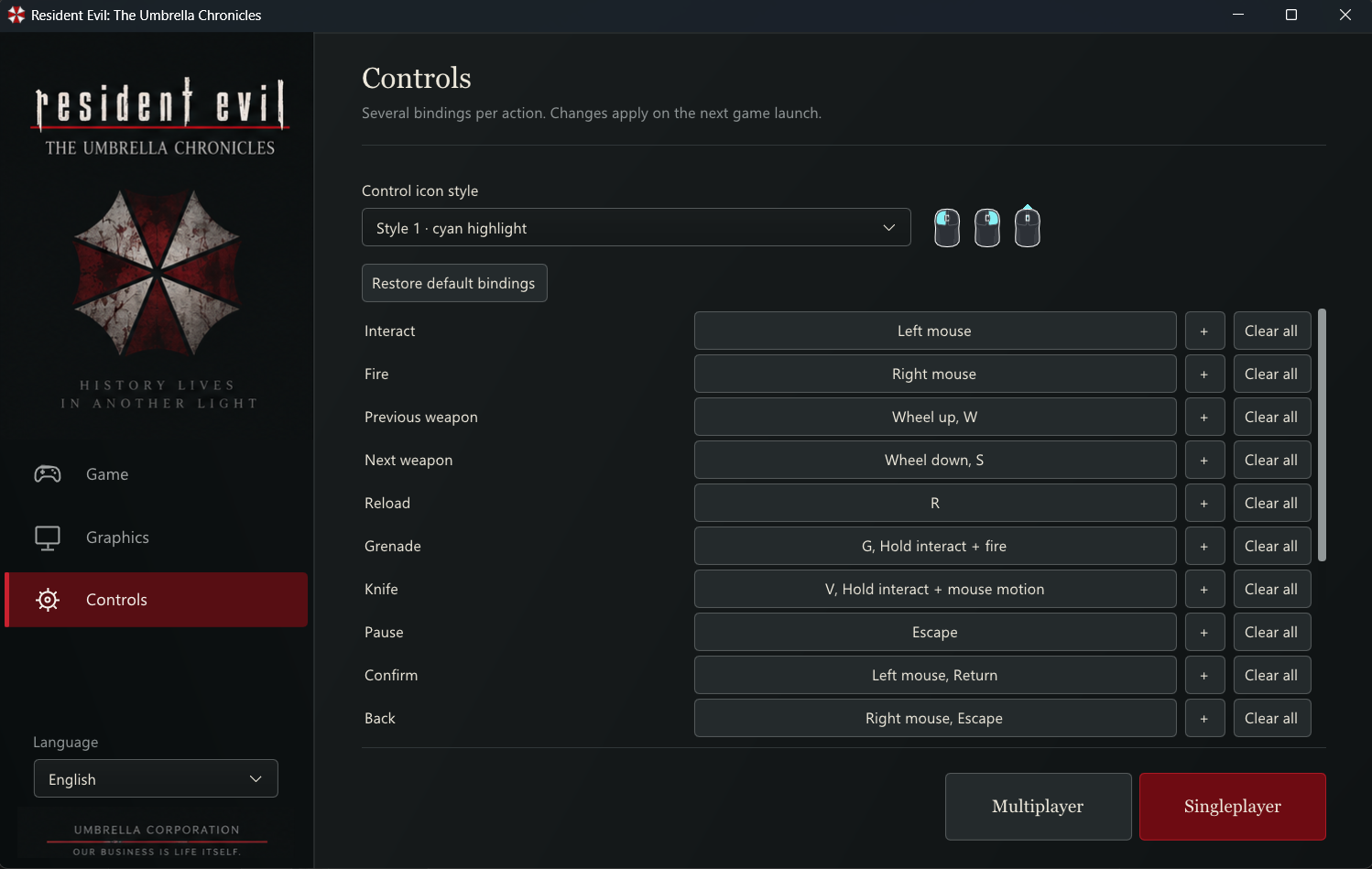
General launcher control settings. Credit: solleo95 / GitHub. The interface on the Steam Deck may differ.
How to install on the Steam Deck
- Enter the Desktop Mode of the Steam Deck and open the project releases.
- Download the Linux package — version
UC-Linux-0.1.1.zip, confirmed on the official GitHub — and extract the files to a writable folder.
- Open Steam, choose to add a non-Steam game to your library and select
uc-launcher.shinside the extracted folder. - In the game properties, disable Steam Input as per the developer's instructions to enable native controls for the Steam Deck version.
- Go back to Game Mode, open the launcher and point to your own image or game folder.
- Choose Singleplayer. On first launch, the game prepares data and compiles shaders; therefore, the wait may be longer.
The author also provides an automated installation script. However, before executing any script obtained from the internet, read its contents and the files it modifies; the procedure modifies the Steam library and configures the controller.
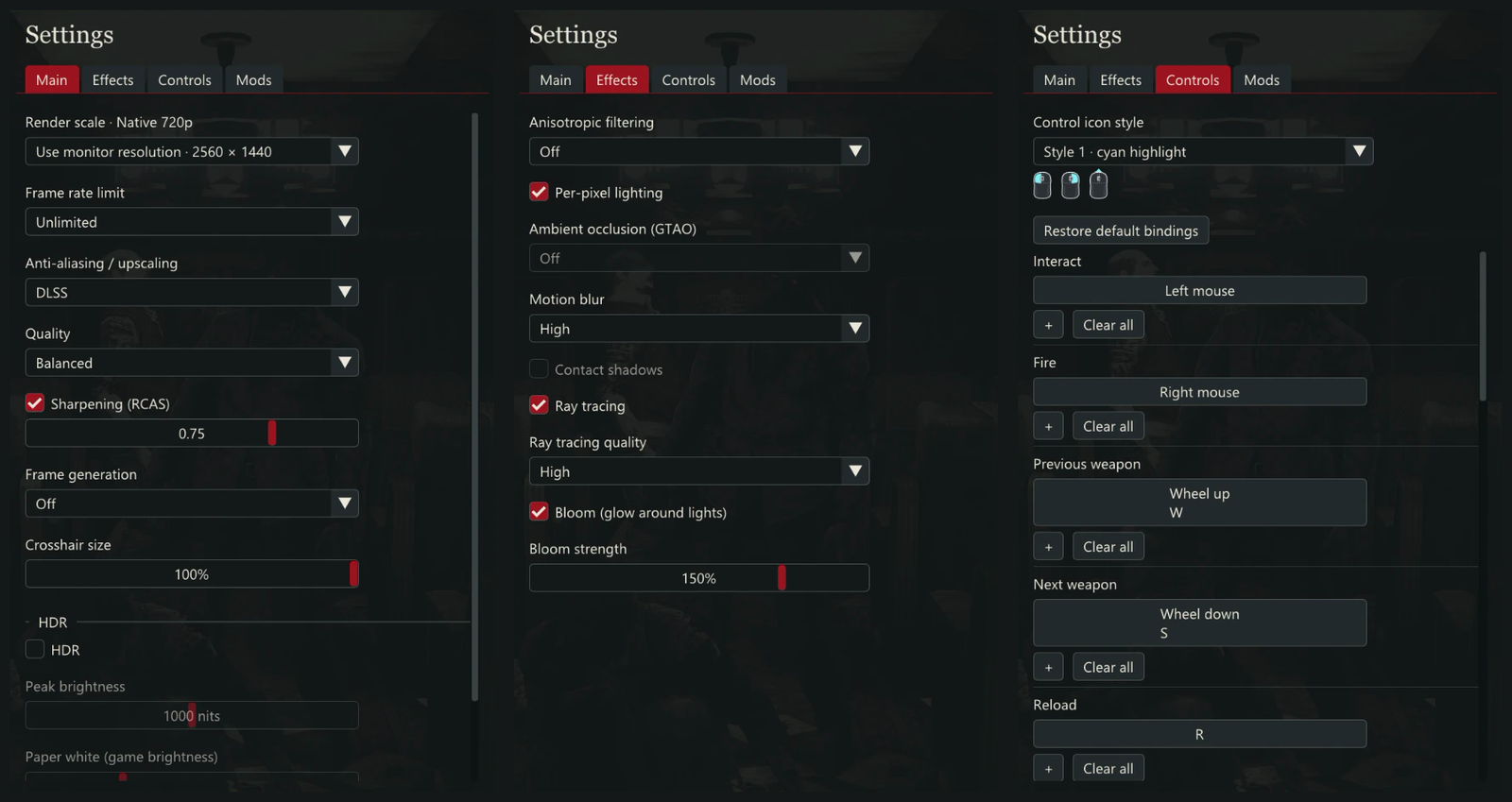
Internal recompilation menu, released by the author. Credit: solleo95 / GitHub; illustrative capture of the project.
Controls and limitations of the experimental version
According to the guide, the gyroscope is enabled by default for aiming. The trackpad functions as a mouse and the right trigger fires shots. Meanwhile, the camera can be controlled by the right analog stick. These options intend to adapt the Wii's old aiming system to the handheld's ergonomics.
On the other hand, network co-op features still present known issues. The documentation also differentiates the options available on Windows and Linux: not all effects or functions are present in both versions. Thus, a feature mentioned in the general README should not be automatically treated as tested on the Steam Deck.
Is this an official Capcom version?
No. Resident Evil: The Umbrella Chronicles remains the property of its respective copyright holders. The project provides adaptation tools and executables, but does not redistribute disc images, soundtracks, or commercial game files. The author himself notes that compatibility is experimental and asks for bug reports.
To follow the development and check out packages, use original repository. Anyone interested in other initiatives of this kind can also check Allves Games's coverage of the PC recompilation of Ninja Gaiden II.
Sources: reuc-recomp README; official Steam Deck guide; installation documentation; release 0.1.1 (consulted on 11/3/2026).