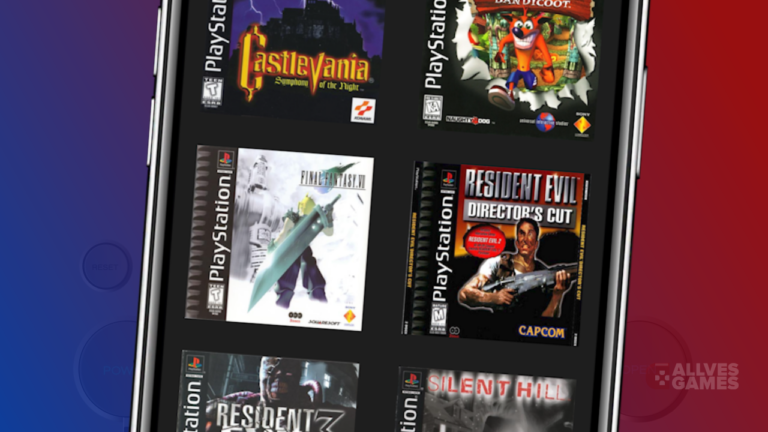
The
BIOS is an essential component for the Android emulator
Duckstation to boot the
PlayStation 1 and run the games. Therefore, in this step-by-step guide, we will show how to add the BIOS to Duckstation.
What is the BIOS and why is it important
First of all, it is important to know that BIOS stands for Basic Input/Output System. The BIOS is a set of instructions that the emulator needs to emulate the Playstation 1 hardware and run the games. Without the BIOS, Duckstation cannot start the PS1 system and run the games.
Downloading the BIOS
To start, it is necessary to download the BIOS. There are several options available
at this link, but it is important to choose the correct BIOS to ensure compatibility with the games.
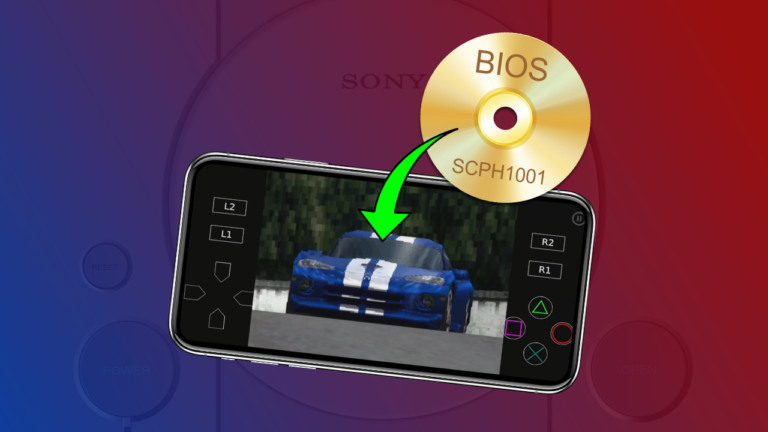
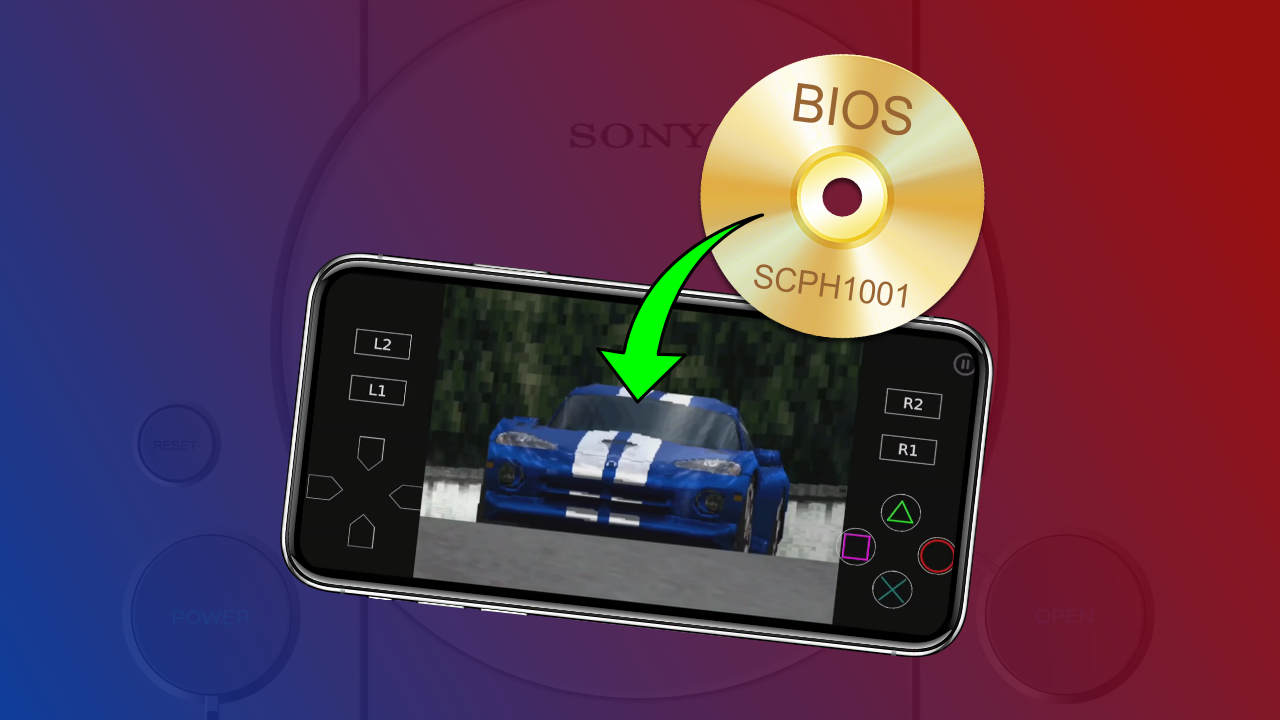
In this tutorial, we will use the BIOS
"scph1001.bin", which is the North American BIOS and works with most games.
Importing the BIOS in Duckstation
There are two ways to add the BIOS in Duckstation: the first is during the game opening process, and the second is through the emulator's home screen.
- Method 1: During game opening
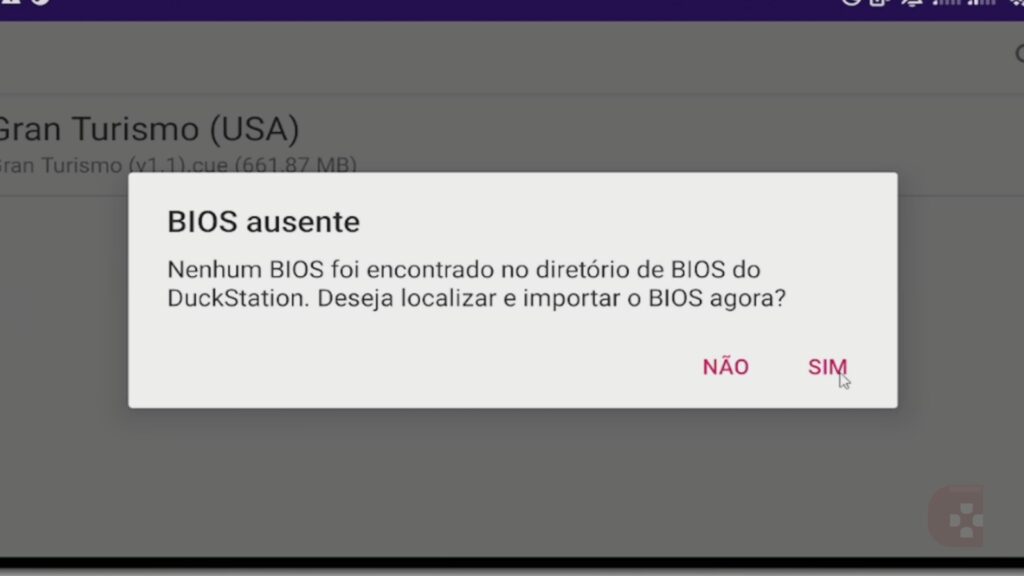
As soon as you have the BIOS file on your phone, try to open any game in the emulator. A warning will appear saying that the BIOS was not found. Click "YES".

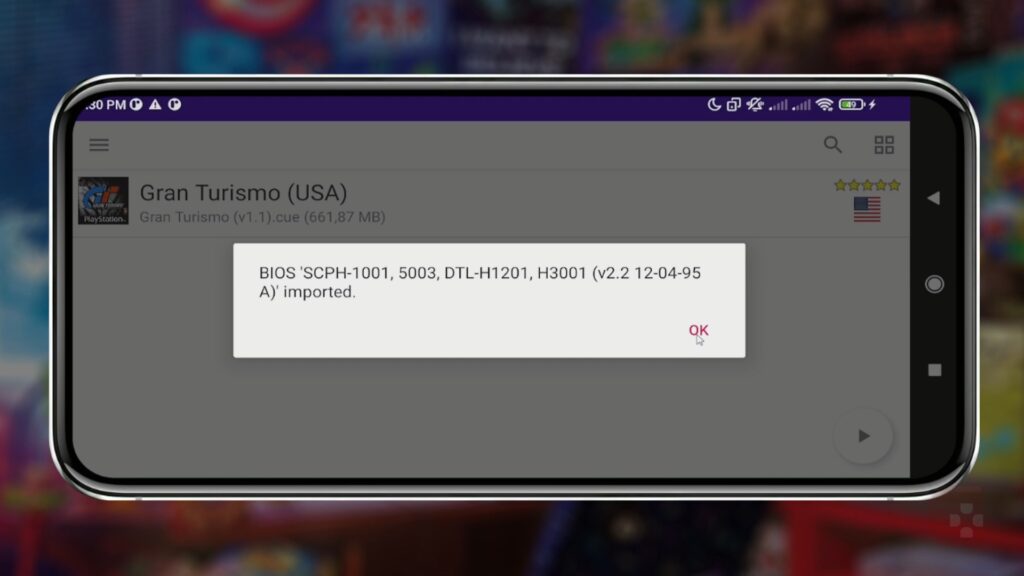
Select the BIOS you downloaded, it doesn't matter where on your phone the BIOS is located, just select it. A notice saying that the BIOS was imported will appear. Click "OK".
Now, open the game and it will load without any problems.
- Method 2: From the Duckstation home screen
On the Duckstation home screen, click on the 3 lines in the upper left corner. Then, click on "Import BIOS" and select the BIOS you downloaded.
Finally, a message will appear on the screen and you should click "OK".
Adding BIOS from other regions
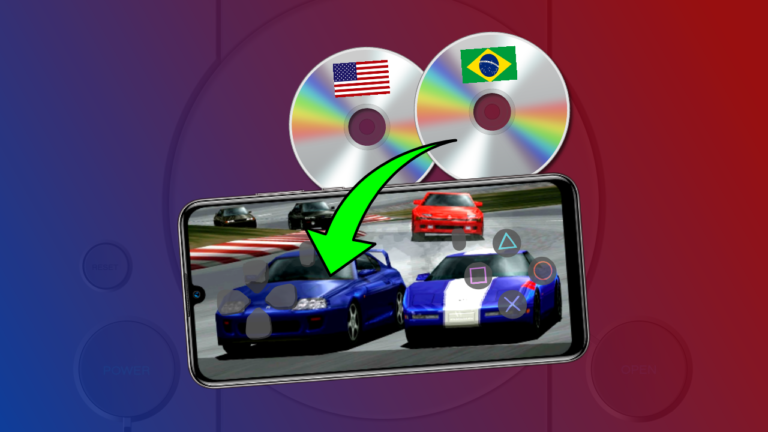
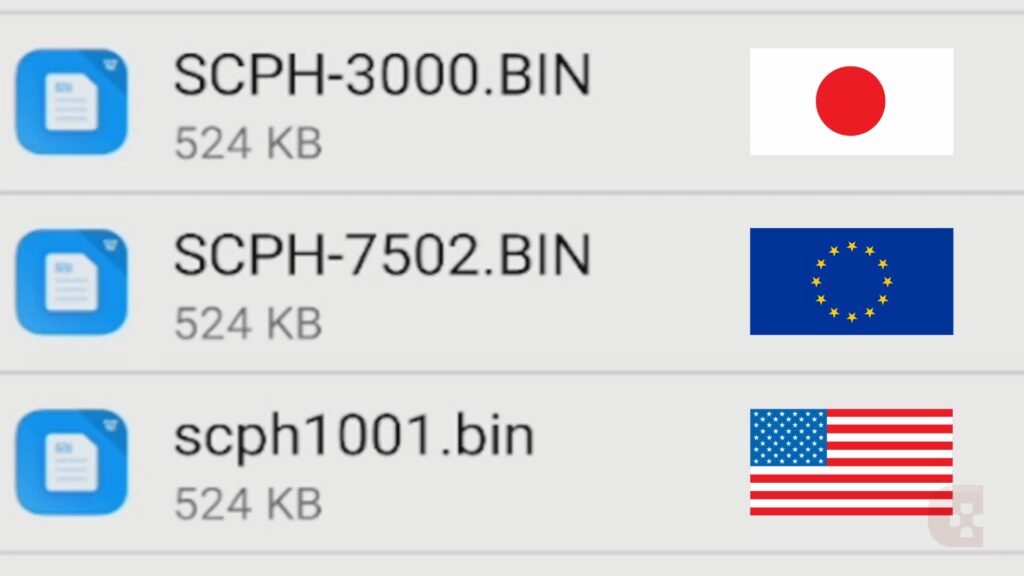
Some games have different versions for each region, and these regions have a specific BIOS. For example, BIOS that end with the number 1 are North American BIOS, while those that end with the number 2 are European BIOS, and those that end with zero or the number 3 are Japanese BIOS.
Even though the scph1001 BIOS works for most games, it is recommended to have at least one BIOS from each region to avoid compatibility issues.
To add a new BIOS, simply repeat the process described previously: click on the 3 lines in the top left corner, then click on "Import BIOS" and select the new BIOS. Duckstation will then automatically import it to a specific emulator folder and choose the compatible BIOS for the game you are about to open.
https://youtu.be/zpcY1MGDhJA

 Select the BIOS you downloaded, it doesn't matter where on your phone the BIOS is located, just select it. A notice saying that the BIOS was imported will appear. Click "OK".
 Now, open the game and it will load without any problems.
 Even though the scph1001 BIOS works for most games, it is recommended to have at least one BIOS from each region to avoid compatibility issues.
To add a new BIOS, simply repeat the process described previously: click on the 3 lines in the top left corner, then click on "Import BIOS" and select the new BIOS. Duckstation will then automatically import it to a specific emulator folder and choose the compatible BIOS for the game you are about to open.
https://youtu.be/zpcY1MGDhJA
Even though the scph1001 BIOS works for most games, it is recommended to have at least one BIOS from each region to avoid compatibility issues.
To add a new BIOS, simply repeat the process described previously: click on the 3 lines in the top left corner, then click on "Import BIOS" and select the new BIOS. Duckstation will then automatically import it to a specific emulator folder and choose the compatible BIOS for the game you are about to open.
https://youtu.be/zpcY1MGDhJA