What is the BIOS and why is it important
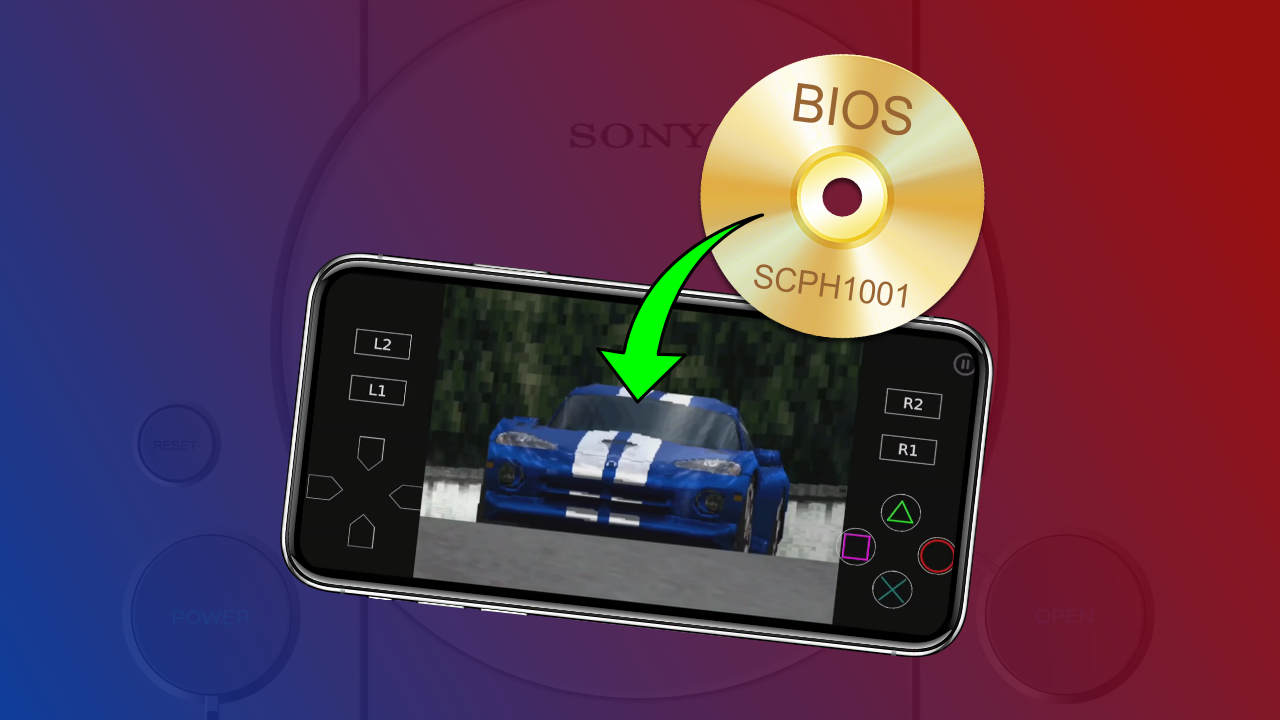
First of all, it is important to know that BIOS is the acronym for Basic Input/Output System. The BIOS is a set of instructions that the emulator needs to emulate the PlayStation 1 hardware and run games. Without the BIOS, DuckStation cannot boot the PS1 system. https://youtu.be/amZlGIgssRkWhat will we use in this tutorial?
- DuckStation for Android (click here to download)
- Package with BIOS from Japan, USA and Europe (click here to download)
- File Manager by InShot Inc. (click here to download)
1. Downloading the BIOS
Click the link previously provided to download the package with the Japan, USA, and Europe BIOS. After downloading, extract the package. If necessary, use the File Manager by InShot Inc., also previously provided.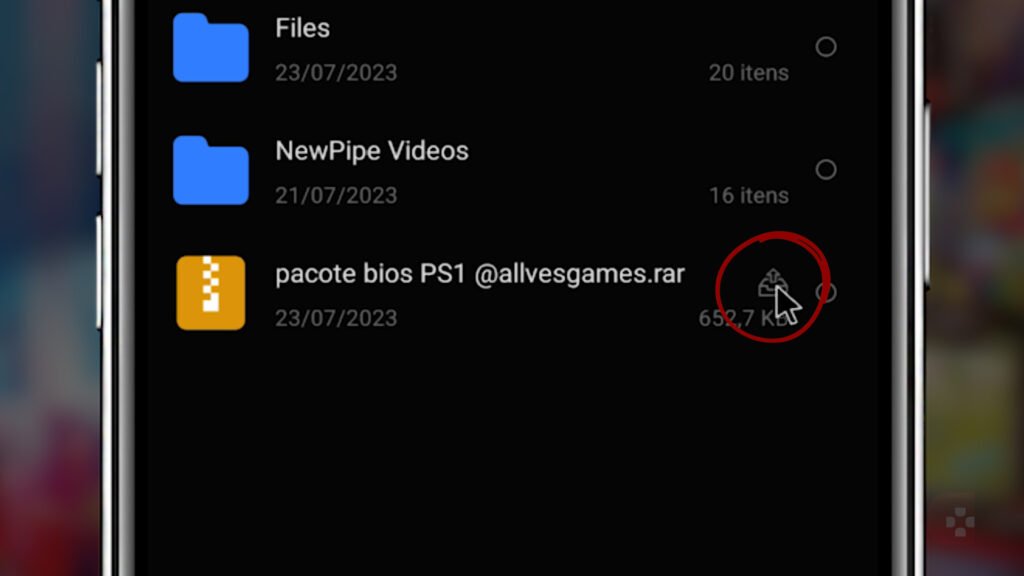
2. Importing BIOS to DuckStation
Open DuckStation on your Android device. Tap the three lines in the top left corner to access the menu.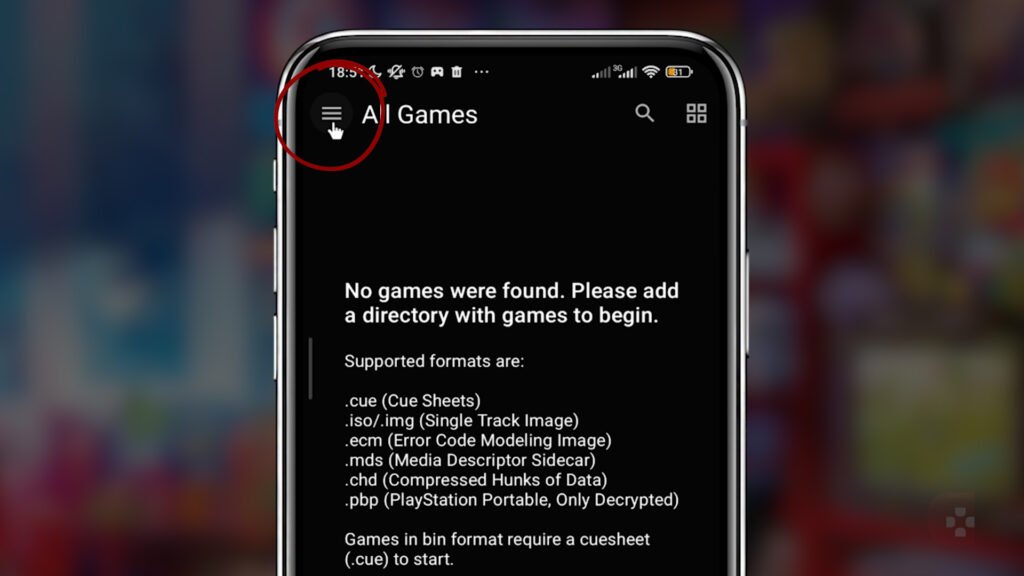 Select App Settings. Find and click the "BIOS" tab. Tap Import BIOS.
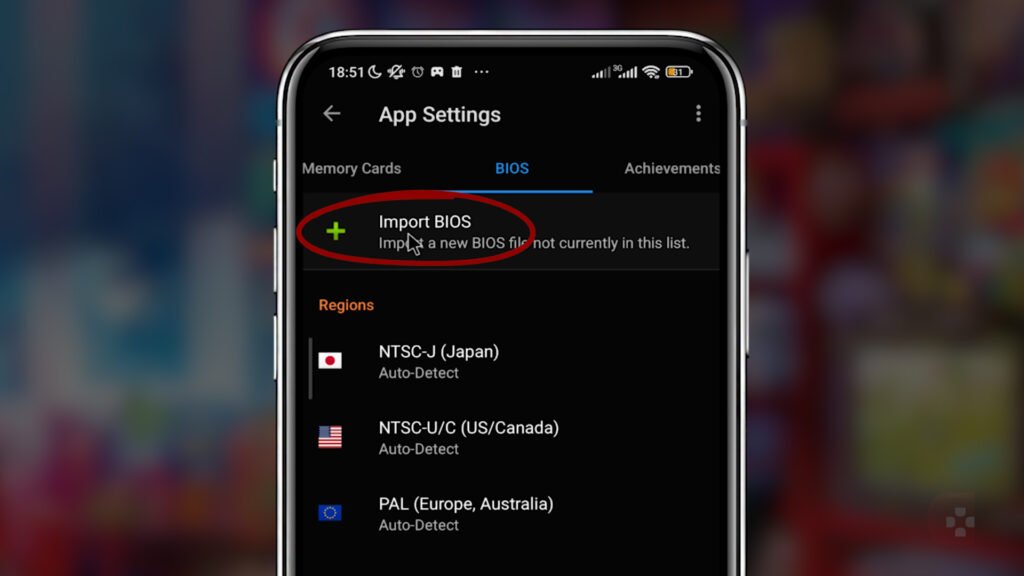 Navigate to the folder where the BIOS files were unzipped. Generally, they will be in the folder Download. Select the first BIOS from the list (in the example, the Japanese BIOS) and confirm with Select.
 DuckStation will display a warning informing that the BIOS was imported successfully. Click on OK.
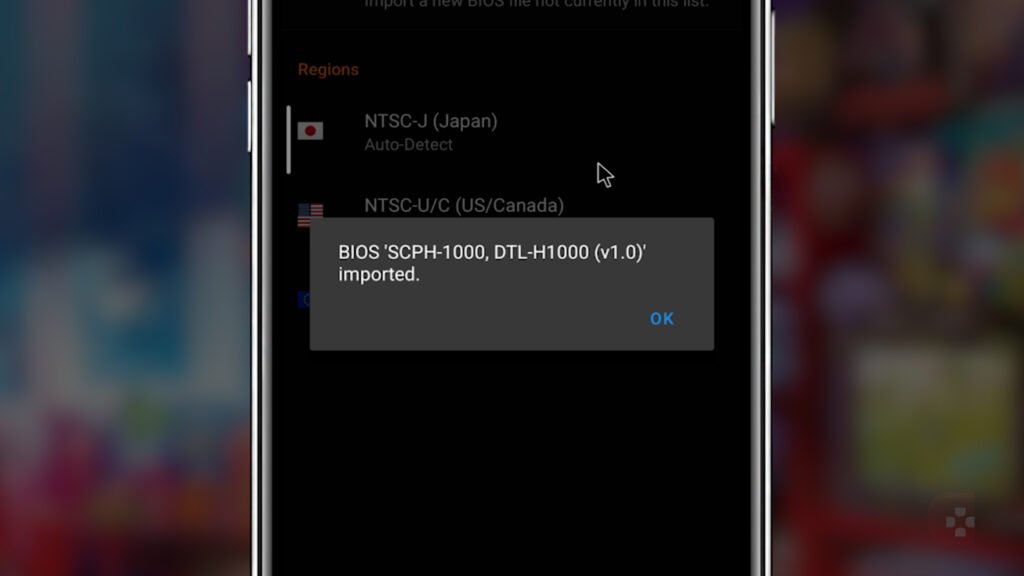 Repeat the process for the North American BIOS and the European BIOS.
3. BIOS Regions
Back to the tab BIOS in the emulator settings, note that the three Region options have Auto-Detect enabled. Leave the Region options set to Auto-Detect enabled. This will allow DuckStation to automatically select the correct BIOS region for each game you open.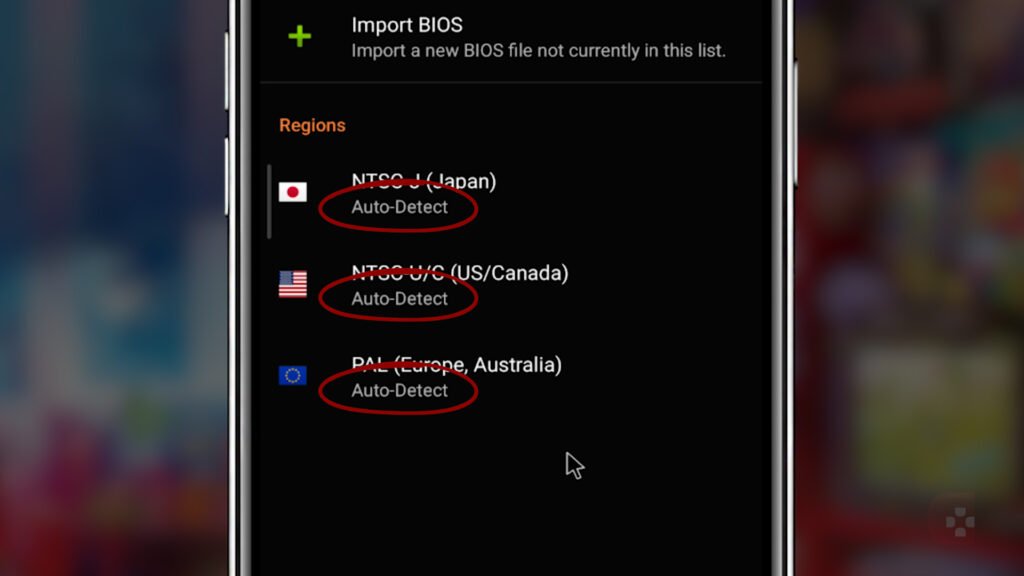
4. Testing the BIOS Configuration
On the DuckStation home screen, tap the three lines in the top left corner again. Select Start BIOS.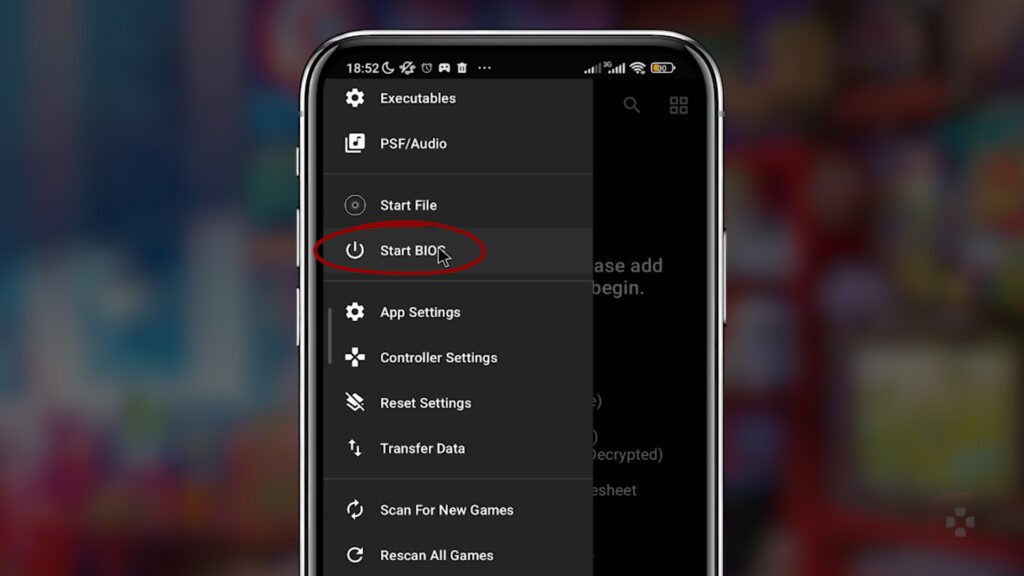 If the iconic PlayStation 1 startup begins to play, this indicates that the BIOS configuration was performed successfully.
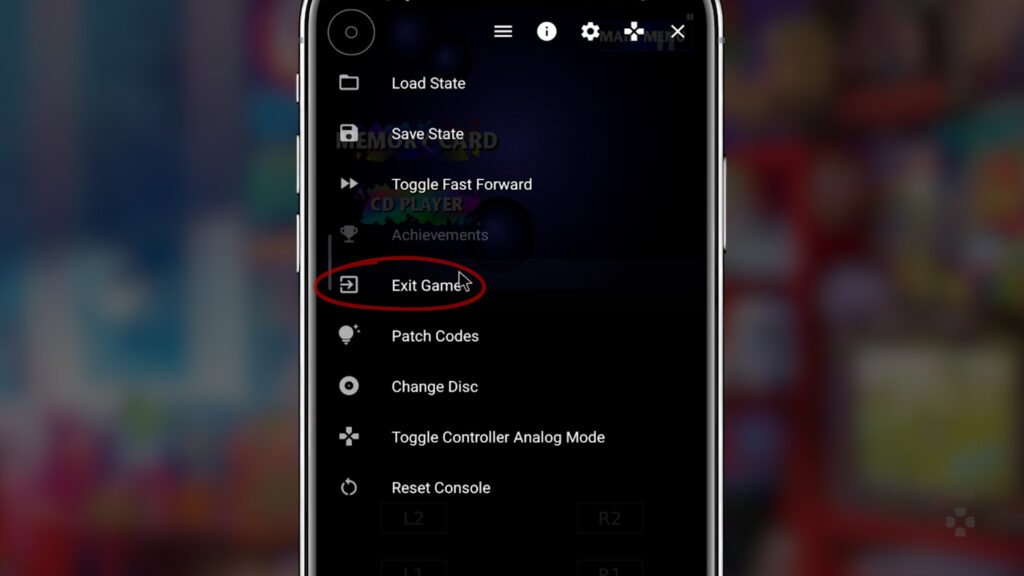
To exit the startup screen, tap the pause button in the top right corner and then Exit Game.
If the iconic PlayStation 1 startup begins to play, this indicates that the BIOS configuration was performed successfully.
To exit the startup screen, tap the pause button in the top right corner and then Exit Game.
This detailed guide offered you a step-by-step on how to add the BIOS to the new DuckStation for Android. With the BIOS correctly configured, you will be ready to enjoy your favorite games on the emulator. Remember to follow the steps carefully and enjoy the nostalgic gaming experience on your Android device. See you next time!