

What will we use in this tutorial?
- Vimm's Lair website
- InShot File Manager
- List of translated games
Finding Games to Add to DuckStation
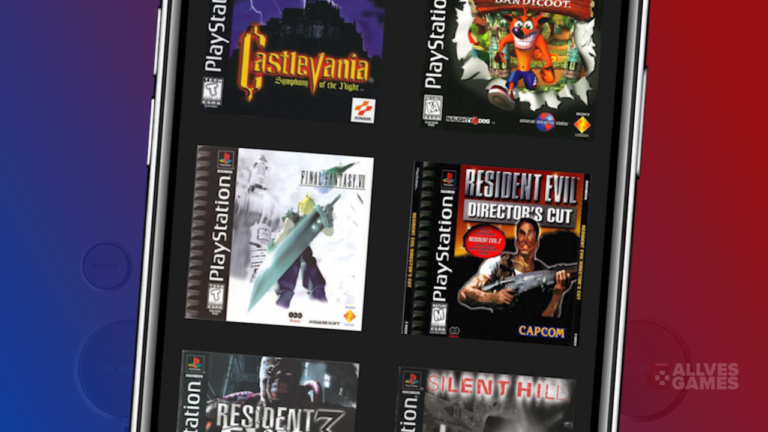
When opening the DuckStation emulator, the first thing you should do is check the supported game formats. Most of the time, you will find games in .bin and .cue formats. Game files, known as ROMs, can be easily found via a Google search. However, we recommend the website Vimm's Lair, one of the oldest and safest sites in the emulation field.
- Click here to access the Vimm's Lair website.
- On the website, click on "The Vault".
- Next, select "PlayStation" to find PlayStation 1 games.
- You can search for a specific game, filter by letter, or choose from the featured games on the page
- Select the desired game and click "Download" to download it.

Extracting the Games
After downloading the games, you will notice that they are compressed with the .7z extension. For DuckStation to be able to read them, you need to extract them.
- In the InShot file manager, go to the section of Downloads
- Click the three dots in the upper right corner and choose "Create Folder". Name it "PS1 games".
- Click the up arrow icon next to the game you want to extract.
- Select "Internal storage" > "Download".
- Choose the "PS1 games" folder you just created.
- Click "Extract" in the lower left corner and wait for the extraction.
 Inside the "PS1 games" folder, you will find a specific folder for each game, containing the .bin and .cue files required for DuckStation.
Adding the Games to DuckStation
Now that you have the games extracted, it's time to add them to the DuckStation library.
- Open the emulator and, on the home screen, click "Add Game Directory".
- Navigate to the "jogos PS1" folder.
- Select it and click "Use this folder".

Sensational Tip: Games in Portuguese
The Vimm's Lair website offers games in their original languages, usually English or Japanese. However, here is a sensational tip: you can find PlayStation 1 games translated or dubbed into Portuguese. Click here to access a growing list of games in Portuguese. - The list is updated regularly with new games. - Each game on the list has detailed information, including whether it is dubbed, translated, or both. - Download links are available, along with the passwords to unzip the files.
With these tips, you are ready to explore a wide variety of games on DuckStation, including those in Portuguese, and make the most of your emulation experience. Have fun playing!
Pingback: Como Colocar Capas nos Jogos no DuckStation de Android | Allves Games