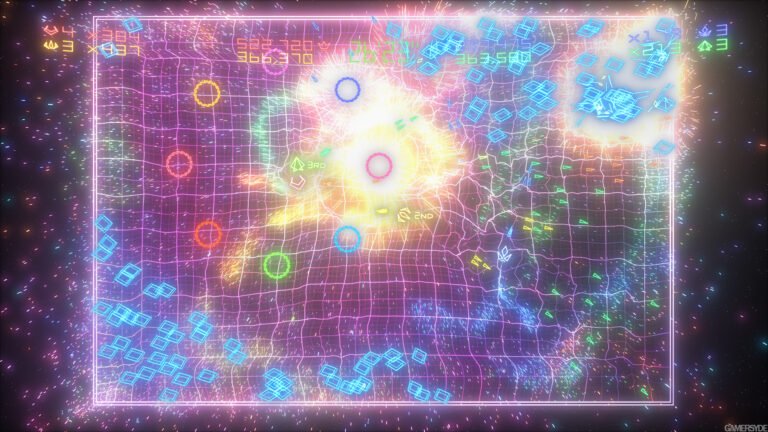
The port Geometry Wars 2 0.3.0 arrived on October 15, 2026, with performance, stability, and frame presentation improvements on Windows and Linux. According to the developer saulob, the update reduces unnecessary waits between the CPU and GPU. However, support for Linux and Steam Deck remains experimental.
The official release notes also fix antialiasing behavior and graphics card selection on computers with dual GPUs. Thus, the release goes beyond the resolution and FPS options present in the first public version of the port.
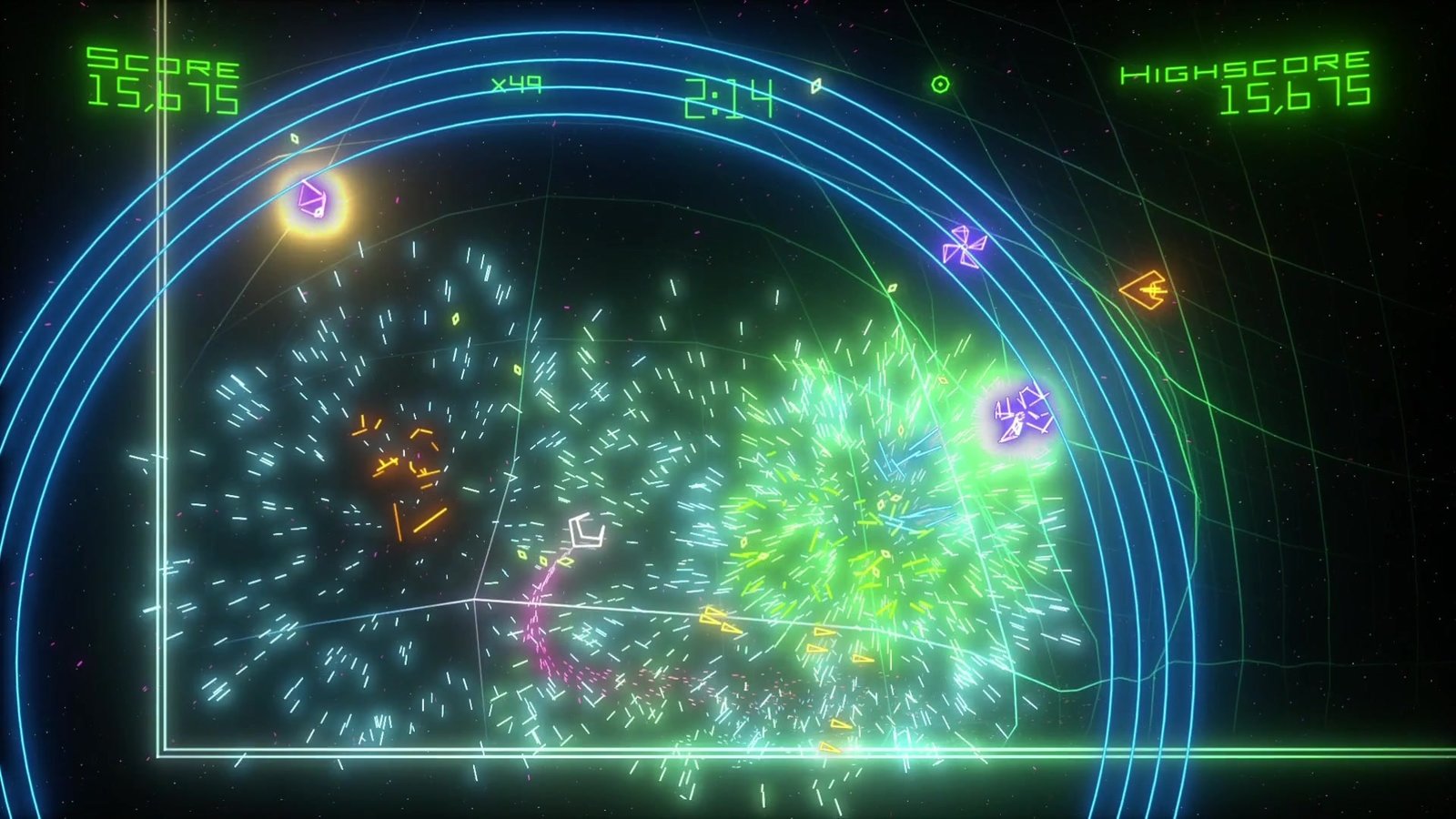
Geometry Wars 2 0.3.0 reduces repetitive work on the CPU and GPU
The main change involves the delivery rhythm of frames, known as frame pacing. According to the author, the program eliminates repeated presentations and reduces waits that did not contribute to drawing the scene. Furthermore, it reduces work with render targets, especially at higher internal resolutions.
On Windows, the port now prioritizes the high-performance GPU in hybrid systems. On the other hand, a manually selected card continues to have priority. Thus, the automatic adjustment does not replace the player's explicit choice.
The developer also reorganized the application shutdown. Now, the program shuts down input and stops game tasks before dismantling the other components. With this, the version seeks to avoid crashes and failures when using Exit Game.
Vulkan improves, but Linux still requires caution
On Linux, the renderer now reuses the Vulkan output structure instead of rebuilding it every frame. In addition, the update changes the wait scheduling and reduces the time the CPU remains unnecessarily occupied.
However, this does not prove the resolution of the slow-motion problem reported on a Steam Machine. The author maintains this caveat in the notes: the game could mark 60 FPS while the simulation advanced below normal speed.
Therefore, the gains in Geometry Wars 2 0.3.0 represent changes documented by the project, without independent measurement by this report. Likewise, the suggested workflow for Steam Deck still depends on testing on the device. The previous fix for the excessively dark image is a separate adjustment, already confirmed by the user who reported the defect.
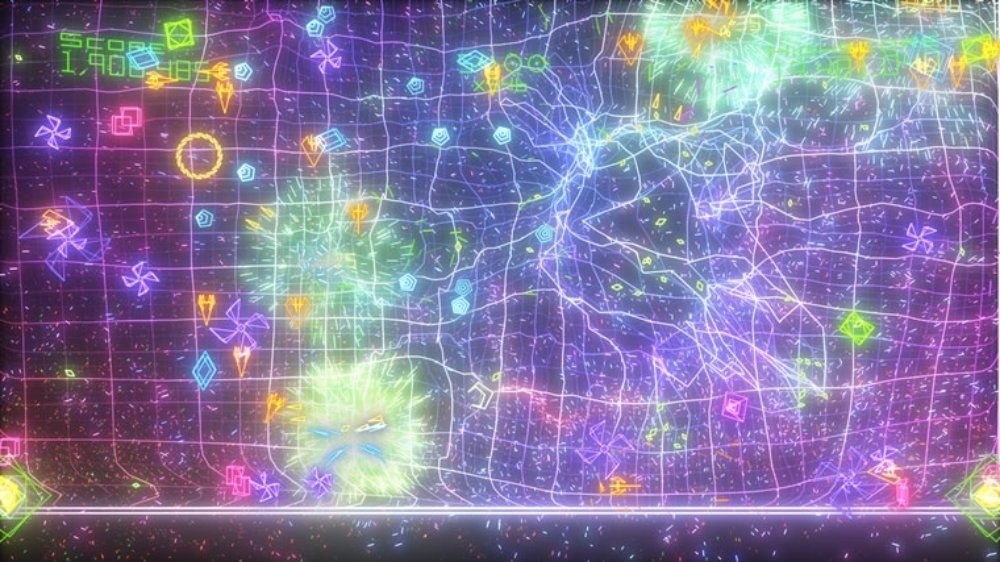
Geometry Wars 2 0.3.0 fixes the MSAA option
Another issue was in the multisampling menu. Previously, choosing Off did not turn off the feature: this option triggered the heavier 4x compatibility path. For this reason, the launcher now presents 2x MSAA as the recommended default and 4x MSAA as an alternative for graphical glitches.
Upon updating, the program converts the old setting to 2x. Furthermore, changing this value causes the game to restart when the user presses PLAY, to apply the new setting from the start.
Previous features remain available, including internal resolutions up to 5120 × 2880, Bloom brightness control, and frame rate selection. However, choosing a high rate does not guarantee reaching it: the result depends on the computer and the graphics options.
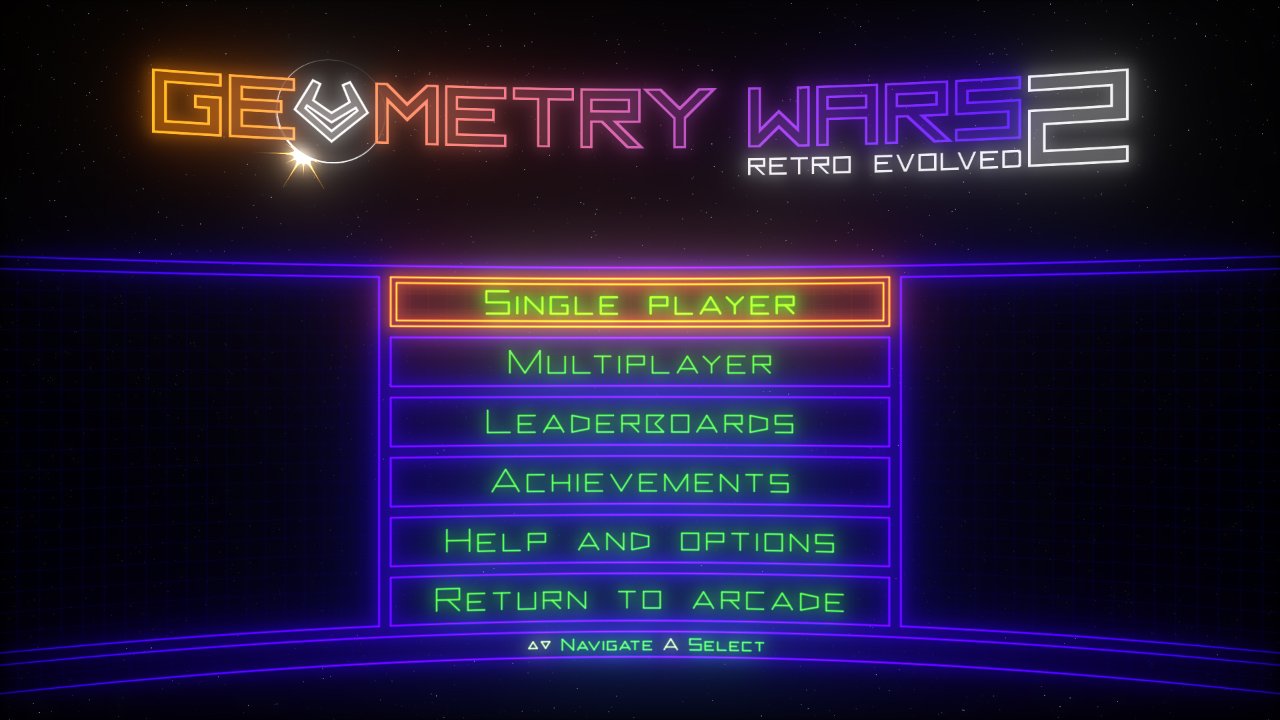
How to download Geometry Wars 2 0.3.0 on Windows and Linux
The project offers two official packages and does not include the commercial game files. Therefore, you need to provide your own copy of Geometry Wars: Retro Evolved 2 for Xbox Live Arcade, with Title ID 584108FF and executable default.xex of the version 0.0.1.2.
On Windows, the requirements are 64-bit Windows 10 or 11, a DirectX 12 compatible GPU, and the Microsoft Visual C++ 2015–2022 Redistributable x64. The AppImage requires Linux x86_64, glibc 2.35 or higher, and a Vulkan driver. Thus, the downloads below correspond to different platforms.
Windows package installation
DOWNLOAD UPDATED GEOMETRY WARS 2 WINDOWS PORT
- Download the official Windows x64 ZIP and extract the contents into a folder with write permissions.
- Open
geometry_wars_retro_evolved_2.exeand access the launcher's Play page. - Choose Install from package... and select the package from your own copy of the game.
- Wait for the message Ready to play. Then, press PLAY.
To update a previous installation, the author suggests extracting the files over the existing folder. This way, the folders game and user_data remain available. Even so, make a copy of your data before replacing files.
Experimental installation on Linux
DOWNLOAD UPDATED GEOMETRY WARS 2 PORT LINUX
- Download the x86_64 AppImage of the same version and mark the file as executable in the properties.
- Open the application and use the Play page to install your original package. The file picker needs to
zenityorkdialog. - On Steam Deck, follow the procedure via Desktop mode and add the AppImage as a non-Steam game. However, treat this guidance as a proposed project workflow, still without validation on the Deck.
Finally, achievements, scores, progression, and leaderboards remain on the computer. The port does not connect to Xbox Live nor does it offer online multiplayer. To check the complete requirements and any subsequent fixes, consult the official project documentation.