Super Saiya Densetsu PC received its first public preview for Windows on October 14, 2026. The Dragon Ball Z project offers a classic presentation, remastering features, and experimental recompilation. However, it still relies on an emulation core and the user's own copy of the data.
Super Saiya Densetsu PC has three different proposals
Firstly, the Classic mode runs the game with the jgenesis SNES core. The Recompiled option translates parts of the original code into functions executed on the computer. However, it returns control to the interpreter in cases it cannot resolve.
Therefore, the project should not be advertised as a port completely free of emulation. Furthermore, the ready-to-use package for version 0.1.0 does not include the recompiled code: this preparation happens locally from the user's ROM and requires the compilation described in the repository.
What changes in the remastered presentation
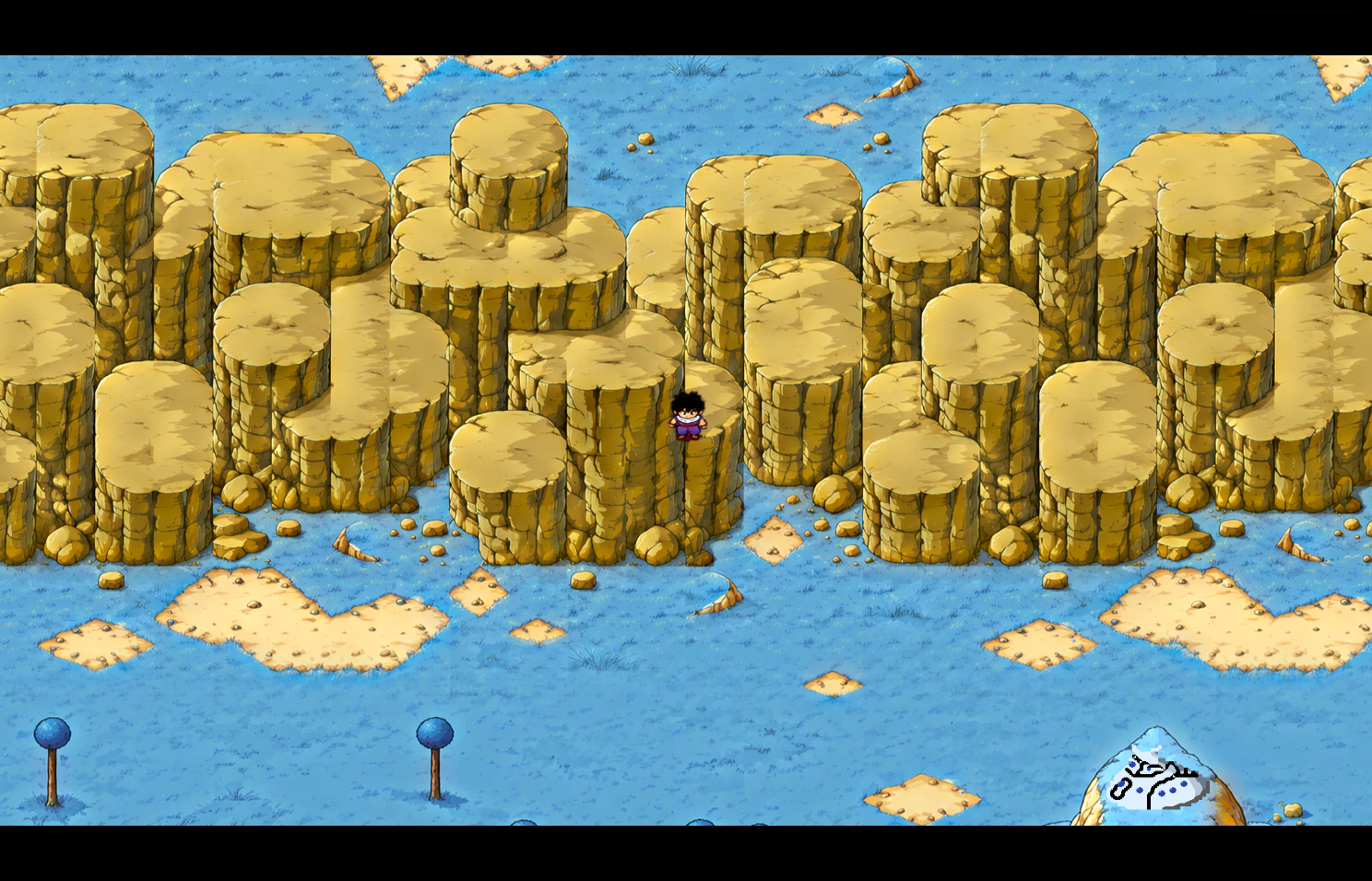
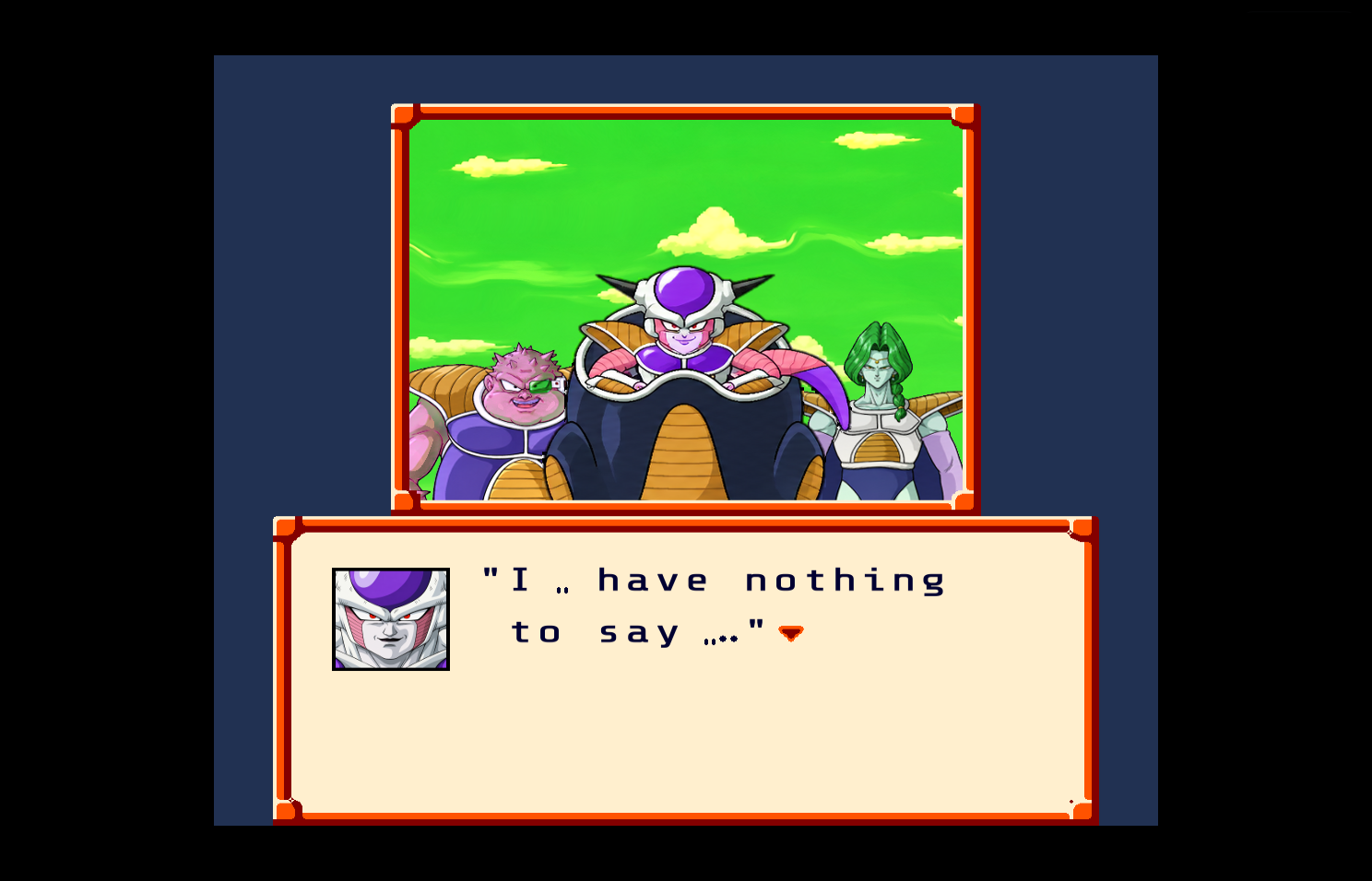
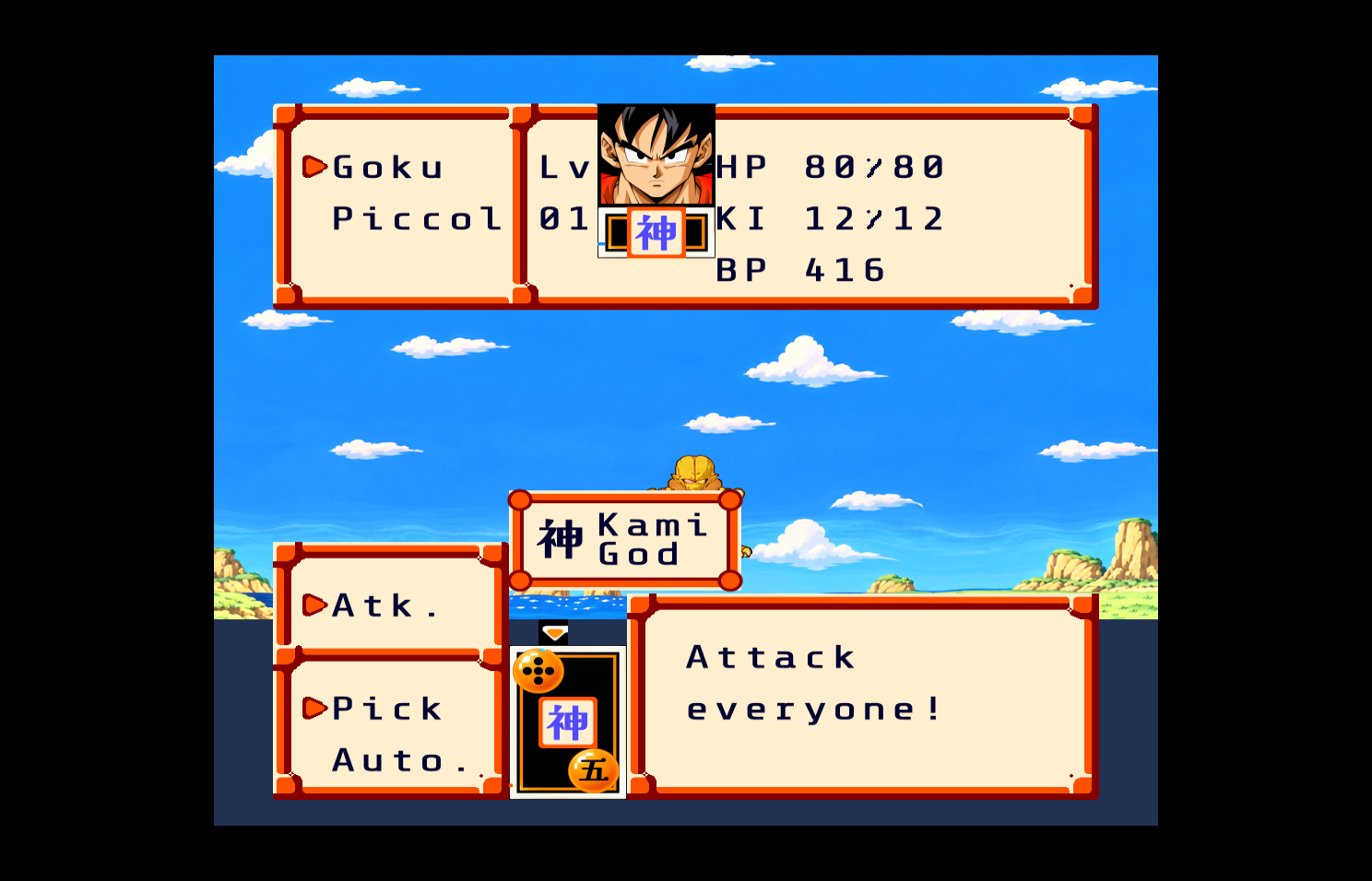
Meanwhile, the Remastered mode adds art in four times higher resolution, redesigned text, new menus, and a 16:9 presentation. Furthermore, it offers an expanded inventory, fast-forward, optional cheats, and save states.
However, widescreen does not expand all scenes in the same way. According to the README, battles, cutscenes, and interiors may maintain the original composition with black bars. Therefore, it is not a uniform reconstruction of all screens.
In addition, the person responsible declares extensive use of AI in development and art. The author describes validations with 28 replays, but Allves Games did not install the preview nor verify its results independently.
How to download Super Saiya Densetsu PC
First, check the requirements: 64-bit Windows 10 or 11, GPU with Vulkan or DirectX 12, and your own compatible ROM. The project documents the English translation Klepto v1.02 and verifies the result normalized by CRC32 A8CF4F2A.
- Download the application for Windows and extract the ZIP.
DOWNLOAD SUPER SAIYA DENSETSU PORT WINDOWS UPDATED
Then, if you want the HD images, also download the optional pack. Place hd-pack.zip option next to ssd-recompiled.exe, without unzipping.
DOWNLOAD SUPER SAIYA DENSETSU PACK HD WINDOWS UPDATED
- Drag your compatible ROM to
Set up my ROM.bat. - Next, open
Play Classic.batorPlay Remastered.bat. - Finally, wait for the initial HD data preparation, in case you have placed the optional pack in the folder.
The buttons point to the 0.1.0 preview files verified in this assessment. The recompiled mode requires the additional compilation procedure from the README; it is not automatically generated by these two shortcuts.
Limitations of the first preview
For now, Android, Linux, and macOS remain in the project's plans. Furthermore, the author lists parts without HD art, incomplete interface elements, and fast-forward limitations. Therefore, treat the version as experimental and preserve your save files before testing.
See also others port projects at Allves Games. Sources: README and author documentation and release 0.1.0.